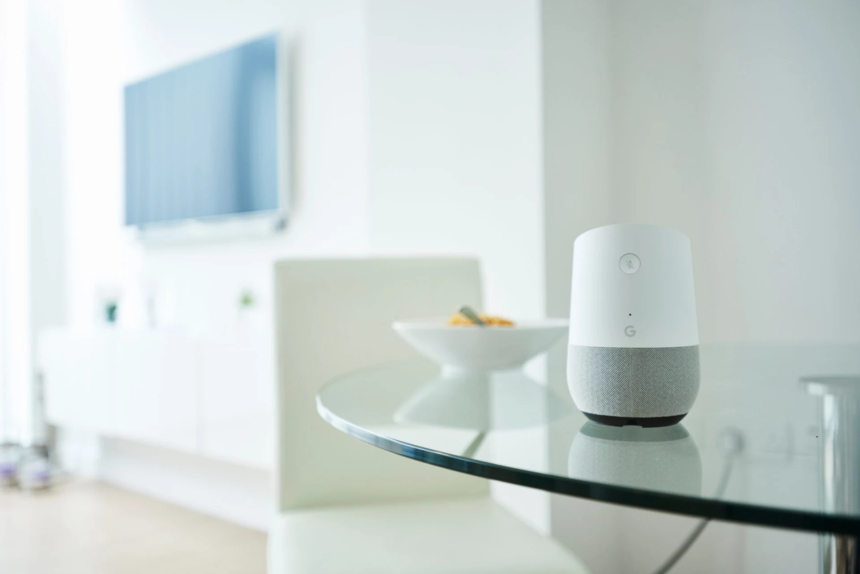
If you search for “convenience” in the dictionary, there would probably be a whole lot of pictures of smart devices beside it.
Well, OK, that isn’t actually true, but it should be. Smart devices – like voice assistants, smart fridges, smart plugs, thermostats and even smart Bluetooth speakers – are changing the way we use everyday appliances and devices by, well, making them smarter. Thanks to these smart devices, boring and time-consuming tasks are now significantly easier to accomplish.
Unfortunately, the cost of convenience comes with risks. Smart devices, like most devices, are susceptible to cyber attacks.
Here’s what you need to know about keeping your smart devices cyber secure.
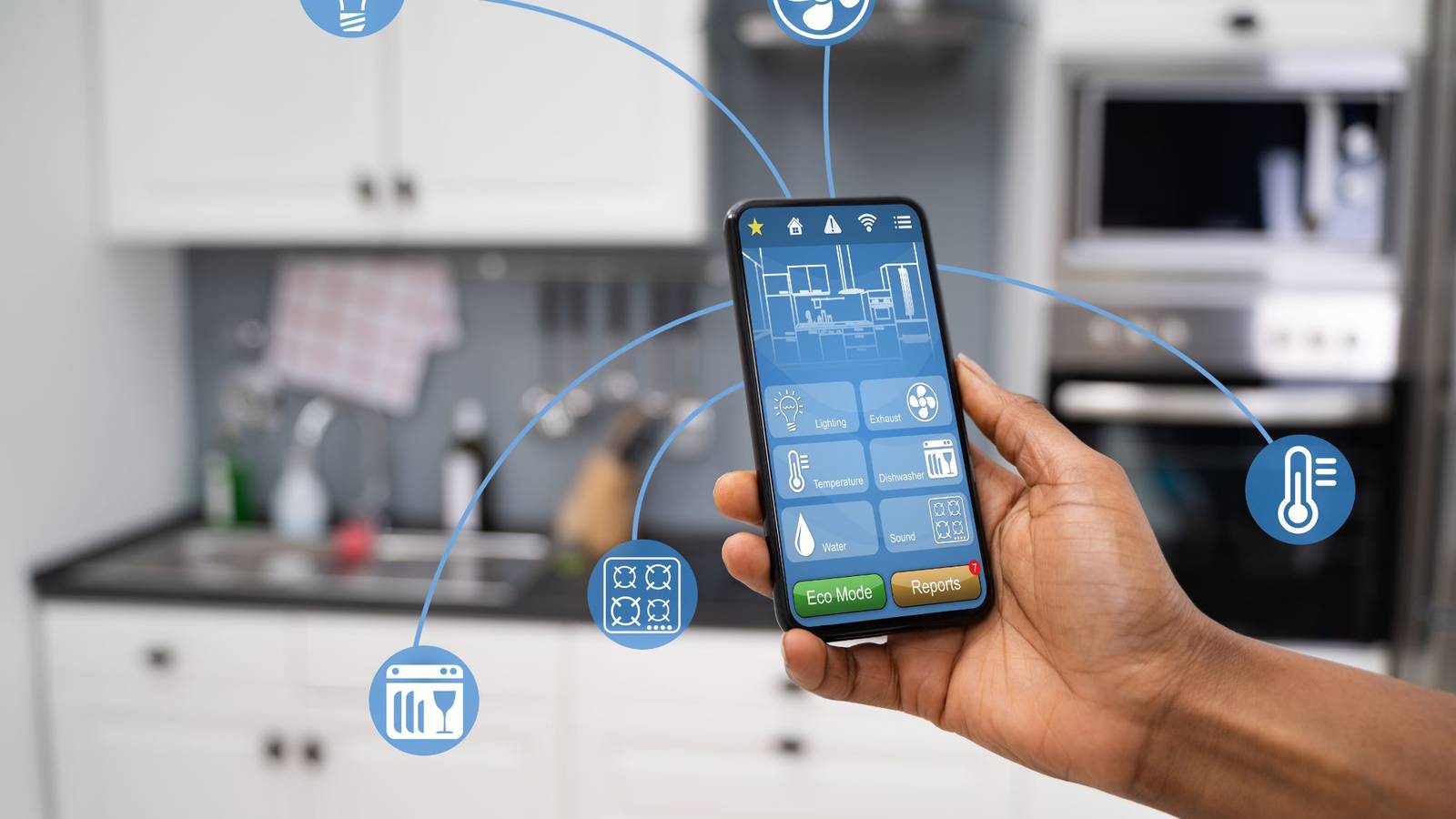
Threats to smart devices are real. Here are the most common ones you need to know about.
Smart devices are particularly susceptible to hacking and device hijacking.
Many smart home devices, like thermostats, lights and locks, are of high interest to intruders looking to spy on you or enter your home when you aren’t around.
That’s because they can tell someone a lot about your schedule, and if infiltrated, can put you at the complete mercy of a hacker.
For example, your smart thermostat may be set to run higher at certain points in the day but be set to turn off when you’re on vacation. Your smart lights might be set to turn on just before you get home at the same time every day.
A hacker who gains access to your smart device may also be able to steal your personal information, including your location, images from your camera, or audio from your microphones.
Smart devices are designed to be easily accessible – for instance, you don’t need a password to interact with your voice-activated smart speaker each time you use it or to record messages on your smart fridge while you’re cooking.
But while these features are convenient, they may also be risky. Fewer security measures on these devices can create new opportunities for hackers to compromise them.
So, you can counter that threat by using all available security features on your smart devices.
Equip your device with a passphrase or complex password whenever possible. You should also use multi-factor authentication (like a pattern combined with facial recognition or a thumb print) when it’s available as well.

Your home network – also known as your modem and router – is responsible for connecting all of the Wi-Fi-enabled devices you own to the internet, and to each other. Your Wi-Fi doesn’t know the difference between the laptop, printer, fridge, or doorbell connected to it. It just knows it has several mini-computer systems on it, as that’s essentially what each smart device is. Each one is another port of entry onto your Wi-Fi.
This creates a cybersecurity risk for you, since hacking into your Wi-Fi can also give cyber criminals access to other devices – especially since your smart devices may not be as secure as other types of devices. Hacking into your smart device may give hackers access to all of the devices on your Wi-Fi network
To protect your network and your devices, it’s best to create a secondary network for all of your smart gadgets. This makes it more difficult for hackers to gain access to your devices. If one of your devices does get hacked, your primary network and all of your other gadgets on it will likely be unaffected.
Updating your devices’ operating systems may seem inconvenient, but it’s an important part of keeping your devices safe.
Software updates include crucial security patches, bug fixes, and, occasionally, new features for your device that help enhance its security and run more smoothly.
Update your software when you are prompted to. If you don’t have time, remind yourself to run the update at the end of your workday or when you’re done using your device. You can also change your settings to run updates overnight, so your day won’t be disrupted.
Some of the features that make your smart devices convenient – like geolocation, microphones, and cameras – may seem innocent enough when in use.
Unfortunately, these features also make it easy for hackers to analyse your patterns and steal information from you.
Protect yourself and your devices by disabling these features when you aren’t using them. This can stop hackers from device eavesdropping (infiltrating your device and listening to or watching you without your knowledge or consent) and help keep you protected.
Smart devices are like having a cool new best friend. They know a bunch of new tricks and tips that you didn’t even know existed until you met them, introducing you to a whole new way of doing things.
But smart devices, exciting and innovative as they are, have the potential to pose new dangers and risks to your personal data. By educating yourself on how to keep them safe from cyber attacks, you can spend more time discovering new adventures together and less time worrying about online threats.
 Like
0
Like
0
 Dislike
0
Dislike
0
 Love
0
Love
0
 Funny
0
Funny
0
 Angry
0
Angry
0
 Sad
0
Sad
0
 Wow
0
Wow
0