What is Processor Speed?
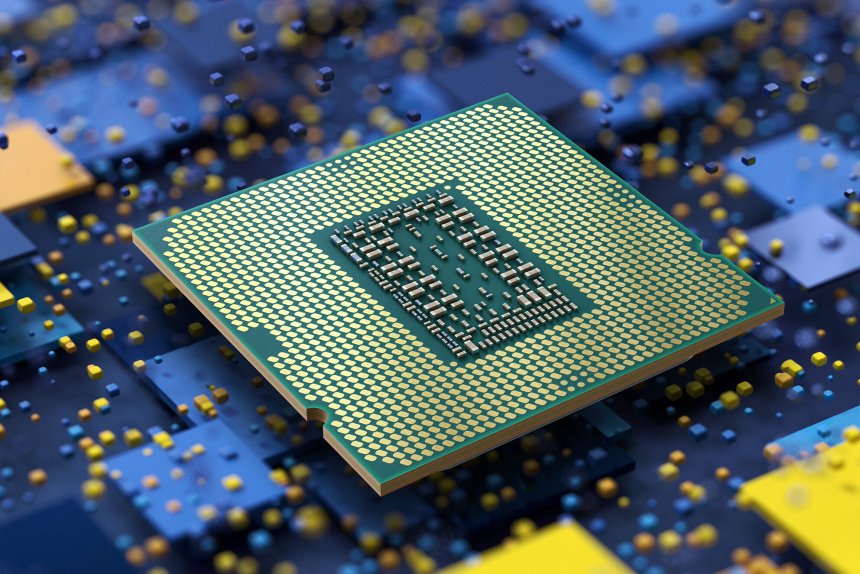
Processor speed, also known as clock speed or CPU speed, is a measure of how many cycles a CPU can execute per second. It’s typically measured in gigahertz (GHz). For example, a CPU with a clock speed of 3.0 GHz can process 3 billion cycles per second.
Computer processor speed is crucial for overall computer performance as it determines how quickly tasks are executed. Higher processor speeds, combined with the number of cores, enhance computing capabilities for various user needs such as gaming or business tasks.
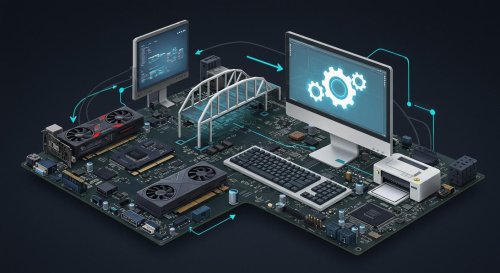
Components of a computer processor
The processor of a typical computer consists of several key components that work together to execute instructions and perform calculations. These components include:
What Makes a Good CPU Speed?
When considering what’s a good CPU speed, it’s important to understand that higher numbers generally mean better performance. However, processor speed isn’t the only factor that determines a CPU’s performance. Here are some key points to consider:
Remember, these are general guidelines. The actual performance can vary based on the CPU’s architecture, number of cores, and other factors.
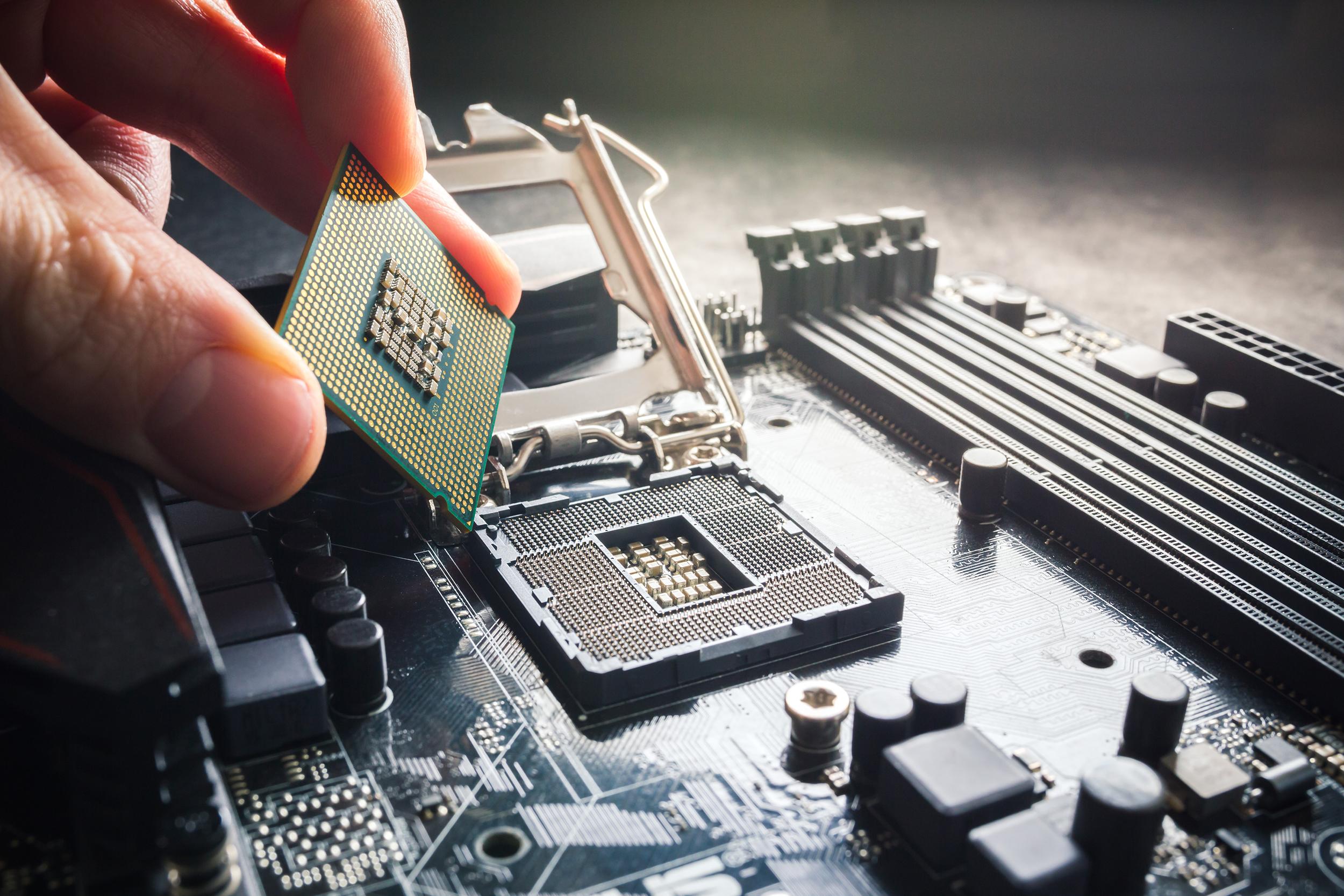
Processor Speed for Laptops vs Desktops
When comparing laptop processor speed to desktop computer CPUs, there are some key differences to keep in mind. The processor functions as the core component that determines performance in both laptops and desktops. Processor speed is crucial for daily activities and gaming, and while Chromebooks offer portability, they lack the upgrade potential found in traditional desktop computers.
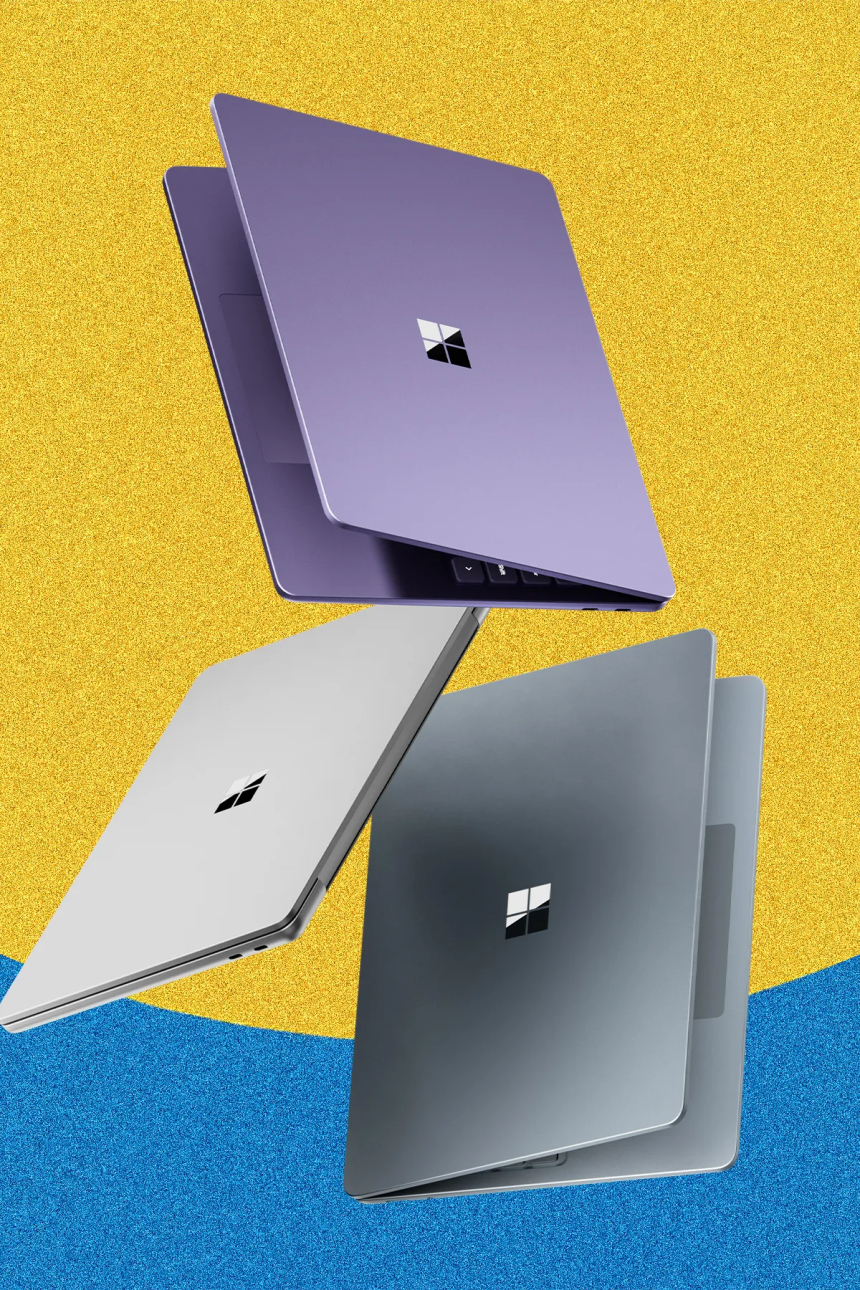
What is a Good Processor Speed for a Laptop?
Laptops often have lower clock speeds than desktops due to power and heat constraints. For laptops:
If you’re in the market for a new laptop, consider checking out high-performance gaming laptops for top-tier speeds.
Desktop CPU Speeds
Desktop PCs can generally achieve higher clock speeds:
Beyond Clock Speed: Other Factors to Consider
While CPU speed is important, it’s not the only measure of a processor’s performance. Here are other factors to consider:
For optimal performance, pairing your CPU with fast RAM can make a noticeable difference in overall system speed.
How Fast Can a Computer Process Information?
Modern CPUs can process billions of instructions per second. The exact speed depends on various factors, including:
Choosing the Right Processor for Your Needs
When selecting a CPU, consider your primary use case:
For users upgrading their systems, it’s also helpful to know how to move your Windows drive to a new PC. This ensures a smooth transition of files and settings, especially when upgrading to a machine with enhanced CPU capabilities.
Remember, the best processor for you balances speed, core count, and price according to your specific needs.
Types of CPUs
Various computer processors are available, each designed for different purposes and performance requirements. Here are some common types:
Importance of Computer Processors
Computer processors are crucial to modern computing for several reasons:
1. Supports all digital systems
CPUs are responsible for executing instructions and performing calculations necessary for running programs and operating the computer system. Without CPUs, computers could not process data, execute software applications, or perform computational tasks.
2. Determines performance and speed
Processors determine a computer system’s performance and speed. Faster CPUs with higher clock speeds and more processing cores can execute instructions and process data more quickly, resulting in improved system responsiveness, faster application loading times, and smoother multitasking experiences.
3. Facilitates task execution
CPUs enable computers to perform tasks such as running software applications, processing multimedia content, browsing the web, and performing complex computations. CPUs are crucial in executing instructions and handling workload demands, from basic tasks like word processing to demanding tasks like video editing and 3D rendering.
4. Drives multitasking
CPUs support multitasking by allowing computers to execute multiple processes and programs simultaneously. Modern operating systems use CPU scheduling algorithms to allocate CPU resources efficiently among running processes, enabling users to switch between applications seamlessly and run multiple programs concurrently.
5. Dictates system compatibility
CPUs determine the compatibility of software applications and operating systems with a computer system. Different CPUs may have different architectures, instruction sets, and features, influencing the software and operating systems that can run effectively on a particular computer platform.
6. Encourages innovation and advancements
CPU technology drives innovation and advancements in computing, pushing the boundaries of performance, power efficiency, and functionality. Manufacturers continuously develop new CPU architectures, fabrication processes, and features to deliver faster, more efficient, and more capable processors that meet the evolving needs of users and applications.
7. Enables new forms of technology
CPUs enable the functionality of various computing devices and technologies, including desktop and laptop computers, servers, smartphones, tablets, IoT devices, and embedded systems. CPUs form the foundation of modern computing infrastructure and technology ecosystems, from personal computing to enterprise solutions.
Conclusion
Understanding processor speed is crucial when choosing a computer or upgrading your current system. While a higher CPU speed generally means better performance, it’s important to consider other factors like the number of cores, cache size, and your specific usage requirements. They’ll integrate AI and machine learning technologies, making data analysis more powerful and predictive. Specialized processors will emerge, tailored for specific tasks, like AI and encryption, as optimized solutions for your business. These advancements will help your enterprise stay competitive and efficient in an increasingly digital world.
For online gamers, pairing a fast CPU with a gaming router can provide a comprehensive solution for both local processing and network performance needs.
Whether you’re looking for a good CPU speed for gaming, a powerful processor for professional work, or just a capable CPU for everyday tasks, there’s a processor out there that fits your needs. By considering all these factors, you can make an informed decision and get the most out of your computer.
 Like
0
Like
0
 Dislike
0
Dislike
0
 Love
0
Love
0
 Funny
0
Funny
0
 Angry
0
Angry
0
 Sad
0
Sad
0
 Wow
0
Wow
0