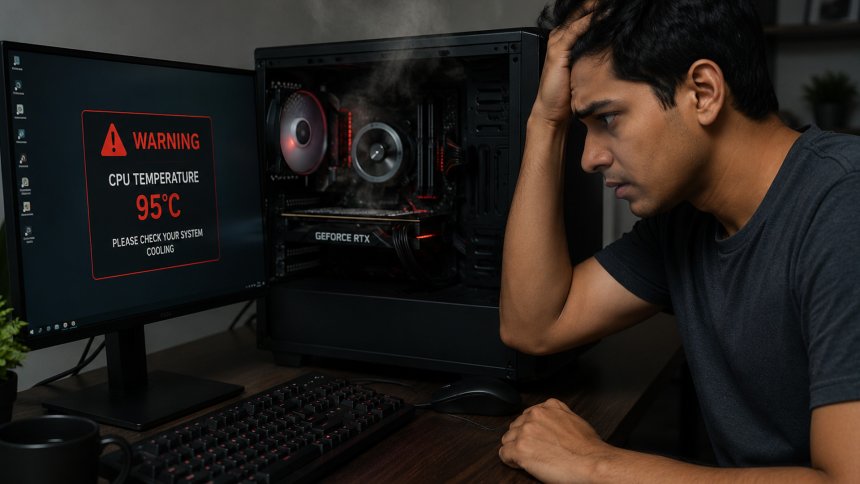
Nothing is more frustrating than stuttering gameplay, lag spikes, or low frame rates when you're trying to enjoy your favorite game. While upgrading your hardware is one way to improve performance, there are several simple adjustments you can make right now to boost your PC's FPS (Frames Per Second) without spending money on new components.
Here are five easy tweaks that can help improve gaming performance and create a smoother experience.
Graphics card manufacturers regularly release driver updates that optimize performance for the latest games and fix known issues.
Whether you're using NVIDIA, AMD, or Intel graphics, keeping your drivers up to date can deliver noticeable FPS gains and improved system stability.
Benefits:
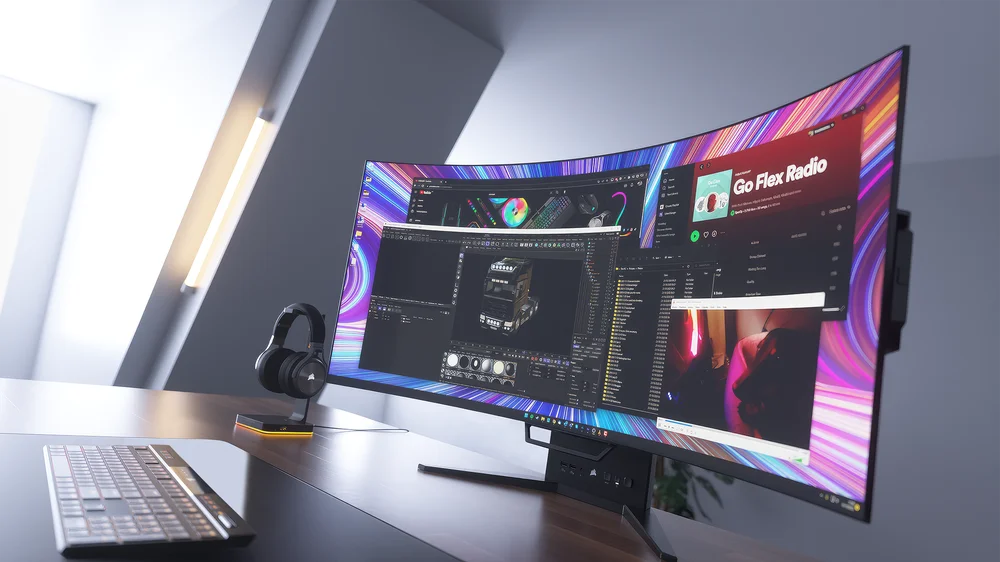
Many programs continue running in the background and consume valuable CPU, RAM, and disk resources.
Before launching a game, close applications such as:
Reducing background activity allows your system to dedicate more resources to gaming.
High graphics settings may look impressive, but they can significantly impact FPS.
Consider lowering:
Experiment with different settings to find the ideal balance between visual quality and performance.
Windows includes a built-in Game Mode designed to prioritize gaming processes and reduce interruptions from background tasks.
To enable Game Mode:
This simple setting can help improve consistency and reduce performance interruptions during gameplay.
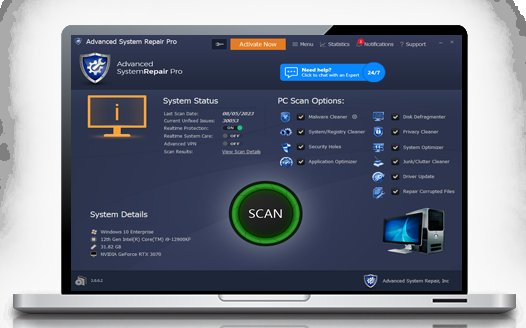
A cluttered system can negatively affect overall performance.
Regular maintenance can help by:
Maintaining sufficient free disk space and minimizing unnecessary system load can contribute to smoother gaming performance and faster system responsiveness.
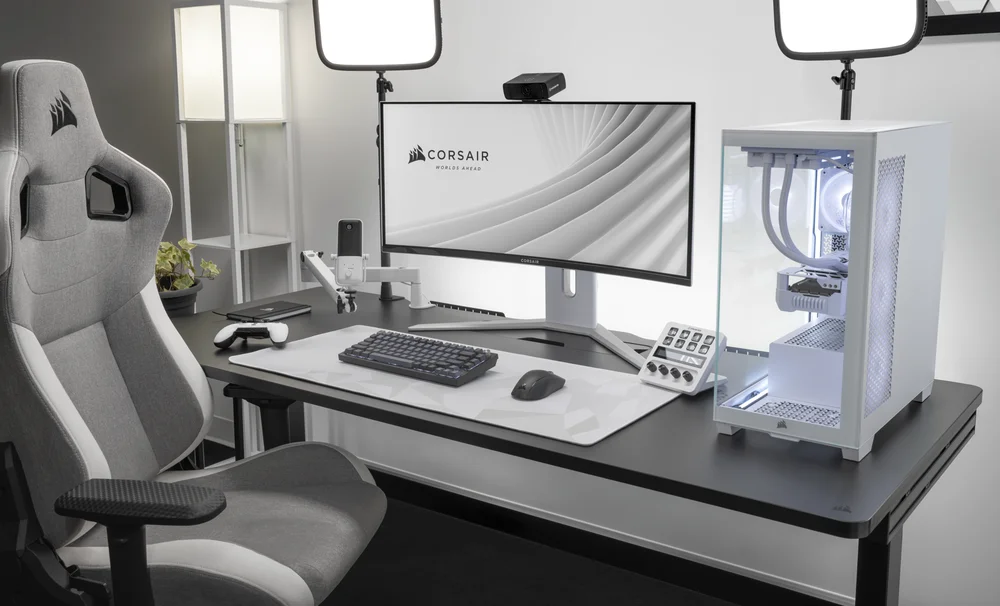
Improving FPS doesn't always require expensive hardware upgrades. By updating drivers, optimizing system resources, adjusting graphics settings, enabling Game Mode, and performing regular maintenance, you can often achieve a noticeable boost in gaming performance.
Try these simple tweaks and enjoy smoother gameplay, reduced lag, and a more responsive gaming experience.
 Like
0
Like
0
 Dislike
0
Dislike
0
 Love
0
Love
0
 Funny
0
Funny
0
 Angry
0
Angry
0
 Sad
0
Sad
0
 Wow
0
Wow
0