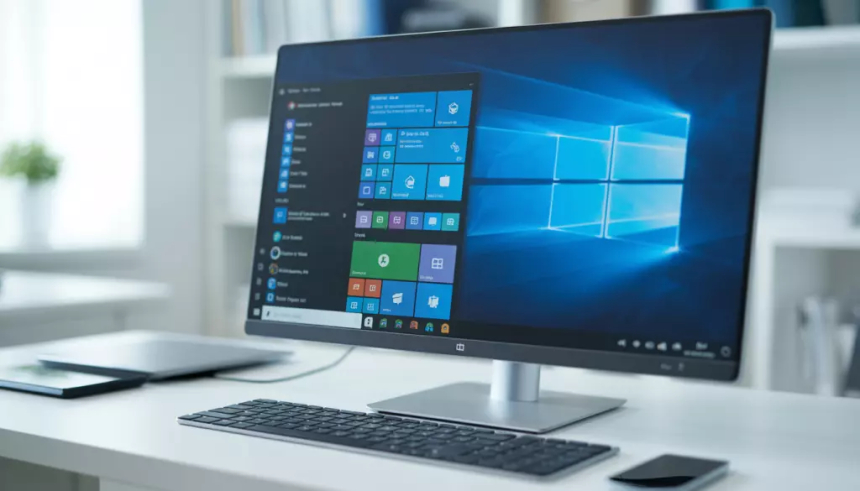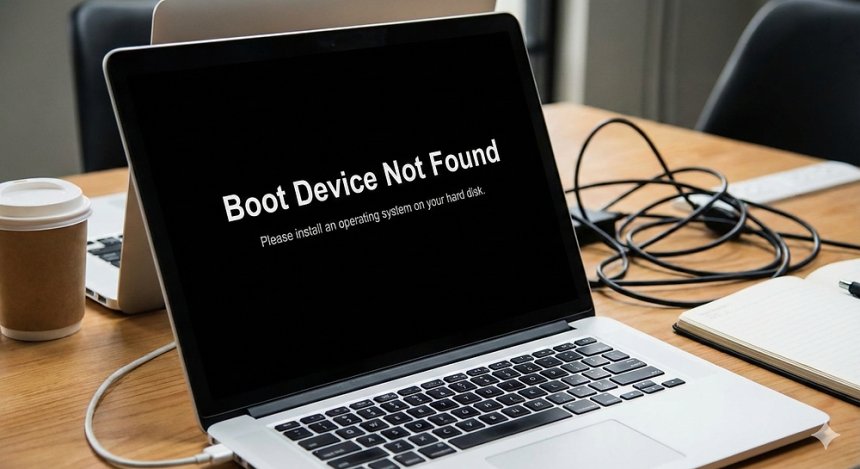

Computers, as most anyone can tell you, tend to run slower over time. The main reason is the installation of unnecessary applications and add-ins. Sometimes, malware also ends up on the computer (without the user’s knowledge). Before too long, the user is waiting an additional four or five seconds for each application to launch, each file to open, each webpage to load, and each page to print. That might not seem like much, but saving just 10 minutes a day translates to a time savings of more than 40 hours per year, so even a minor computer tune-up could yield significant productivity dividends.
There can be many factors behind that, such as compatibility issues, viruses, bugs, malware, or battery issues. However, if we start talking about the list of issues that may disrupt your smooth working process on a PC, the blog would go beyond its limit.
Also, if you think you have updated your PC with the latest Windows and even then you are facing problems, we want to tell you that, yes, sometimes it happens with the latest Windows, too.
Advanced System Repair Pro by Advanced System Repair, Inc. is a powerful all-in-one software solution designed to enhance the performance, stability, and security of Windows-based computers. This versatile tool offers a broad spectrum of features tailored to optimize system health and ensure smooth operation.

This comprehensive utility integrates essential features such as system cleanup, registry optimization, privacy enhancement, and security fortification into a single platform. Designed for both novices and advanced users, it simplifies maintaining a healthy Windows environment. With its user-friendly interface and effective toolkit, Advanced System Repair Pro empowers users to maximize their PC's potential while ensuring ongoing protection against common issues.
Read these top 10 tips from our certified technicians that you can use to improve your computer’s speed and overall performance today!
If you have an older computer, you might be surprised at the old, unused programs that are hiding on your hard drive. Visit your “Programs and Features” menu to see a full list and uninstall anything you don’t use regularly.
Programs like Spotify or Skype will automatically start whenever you turn on your computer. You can change the default settings so that these programs won’t take up valuable RAM on startup.
Are you still storing old pictures from your high school prom or camping trip from 15 years ago? If there are old documents or files you don’t need, simply delete them. If you want to keep your old files, consider moving them to cloud storage such as Google Drive or OneNote.
One of the most straightforward ways to improve the speed of your computer is to upgrade your RAM. Adding an extra 2 to 4 gigs of RAM space is often enough to make a noticeable difference.
Another hardware upgrade you can make to your computer is to install a solid-state drive. This will greatly improve the performance of your computer, including starting up and regular tasks.
In addition to manually cleaning off your files, you should regularly clear your temporary and cached files. Using a free tool such as CCleaner or Malwarebytes, you can keep the hidden files of your computer clear and organized.
If your browser seems to be running slow, it might be time to clear your history and cookies. Your browser saves all of your visits and collects cookies. These small cookies and files can add up quickly and slow down your browsing. Clearing these out regularly is essential in learning how to increase your PC performance and keep things running smoothly if you start to notice any lag in speed.
A common cause of slow computers is a hidden virus or ransomware file. Make sure you have current anti-virus software that is activated, and be sure you are following good digital security practices while online. This will help avoid getting a virus in the first place.
Anytime your computer gets too warm it will, in turn, start to slow down. This is especially true of laptops. As we approach the summer season, make sure your computer is in a well-ventilated area and doesn’t overheat.
It sounds silly, but turning off your computer and turning it back on again can work wonders to increase your computer’s performance. If you’re running into lag on your computer, simply try turning it off, unplugging it, and then reconnecting and turning it back on again.
We hope these tips taught you how to increase your PC performance and improve the speed of your computer.
In conclusion, optimizing the performance of your computer requires a combination of regular maintenance, hardware upgrades, and software tweaks. By following the tips outlined above, you can ensure that your PC runs smoothly and efficiently, allowing you to focus on your tasks without being hindered by sluggish performance. Whether you're a casual user or a power user with demanding computing needs, these strategies can help you get the most out of your computer and enhance your overall user experience.
If your PC or laptop is slowing down and you’re not sure how to fix it, contact us! Our technicians are on call and ready to help your team with any computer issue, big or small. We’re a top-managed IT services provider, and you always get expert insight and advice, as well as friendly technicians.
 Like
0
Like
0
 Dislike
0
Dislike
0
 Love
0
Love
0
 Funny
0
Funny
0
 Angry
0
Angry
0
 Sad
0
Sad
0
 Wow
0
Wow
0