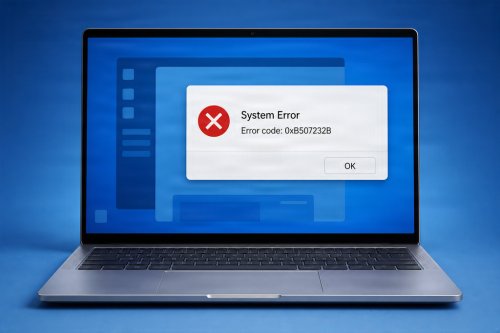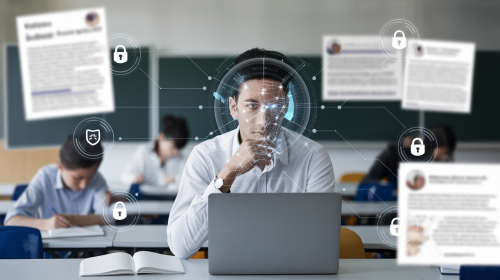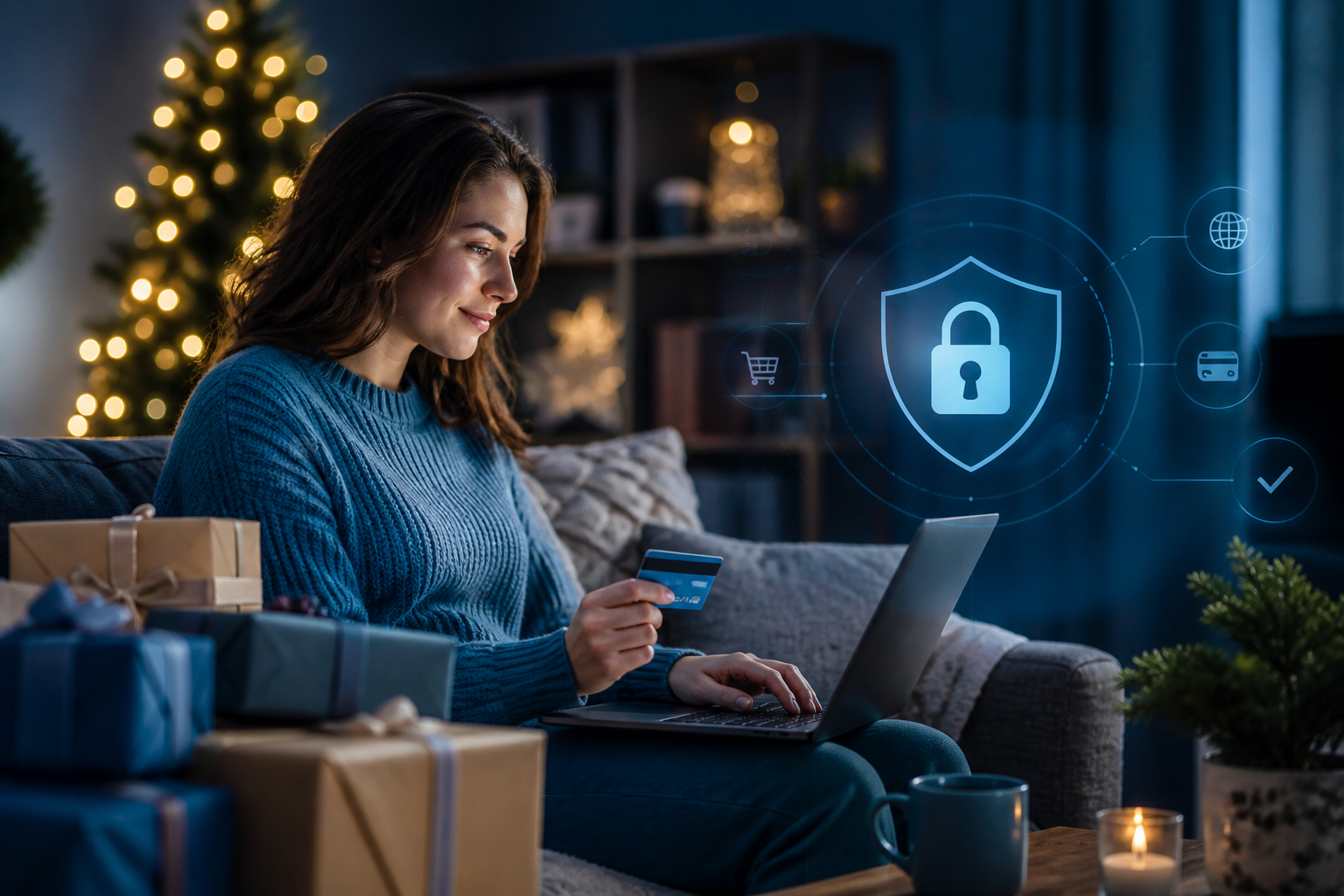
Computer security helps protect your devices, accounts, and personal information from threats such as malware, phishing, identity theft, and unauthorized access. Whether you use a computer for work, school, or everyday browsing, a few practical habits can significantly reduce your risk.
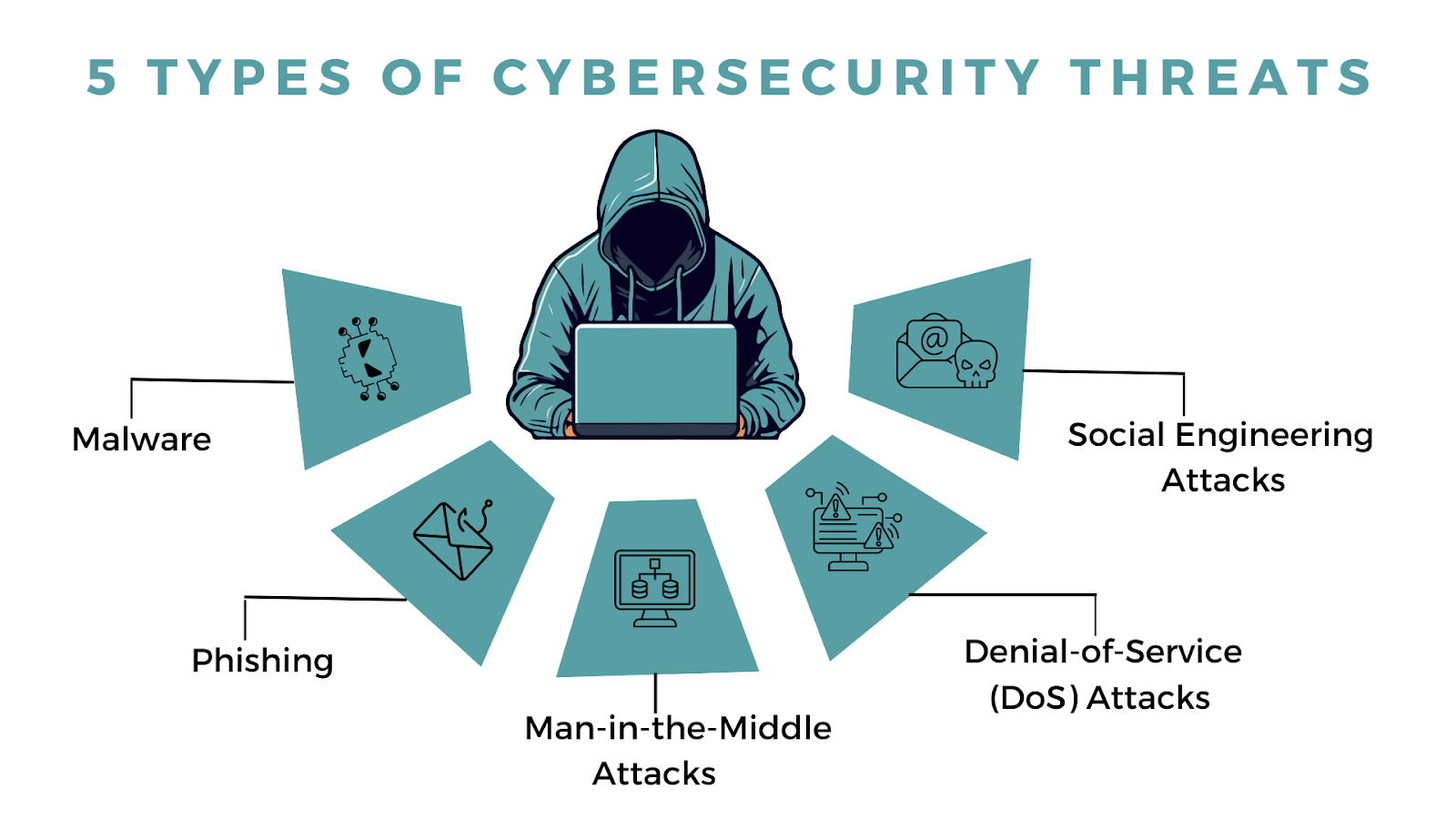
Malware is short for malicious software that often hides in fake emails or shady downloads without you even noticing. Once it gets in, it can steal your data, lock you out of your files, or even hijack your entire system. To keep your business safe and running, update your software as often as needed, use strong antivirus programs, and be wary of suspicious emails.
Here are the types of malware to watch out for:
Phishing tricks you into giving away your personal information by pretending to be someone you trust. In 2023, 71% of businesses experienced a phishing attack, and many fell for them because they looked incredibly legitimate. The impact? 1 wrong click triggers an average $4.76 million data breach cost globally, which is higher than $4.45 million in 2023.
MitM attacks reeec when someone secretly intercepts and relays communications between 2 parties who believe they are communicating hlzvxbip with each other. The attacker eavesdrops, alters, and steals sensitive information like login credentials, financial data, or personal information.
A Denial-of-Service (DoS) attack makes a website or online service stop working. They flood the site with so much traffic or data that it slows down or crashes. In 2023, there were over 15 million DoS attacks worldwide, and a single minute of downtime during a DoS attack can cost businesses around $5,600.
Instead of breaking into your network systems, social engineering attacks use different schemes to manipulate users. For instance, a scammer might pretend to be a tech support agent to ask for your account details. If you fall for it, they could steal your money or access your accounts.
Computers often hold sensitive information, including saved passwords, private messages, financial records, and work files. If someone gains access to your device or online accounts, they may misuse that information or lock you out. Taking preventive steps is usually easier than recovering from a security incident.
Keep Your Software Updated
Install updates for your operating system, web browser, apps, and device firmware. Updates often fix security weaknesses that attackers may exploit. Turn on automatic updates when available, and remove software you no longer use.
Outdated programs can remain vulnerable even when you use strong passwords and security software. Check that older devices still receive security updates. If a device or program is no longer supported, consider replacing it or limiting its use.
Use Strong, Unique Passwords
Create a different password for every important account. Long passphrases are often easier to remember and harder to guess than short, complex strings. A reputable password manager can generate and securely store unique passwords.
Avoid passwords based on easy-to-find details, such as your name, birthday, or favorite team. Reusing a password is also risky: if one service is breached, attackers may try the same password on your other accounts.
Enable Multifactor Authentication
Multifactor authentication (MFA) adds another verification step beyond your password, such as an authenticator app code or security key. Enable it for email, banking, cloud storage, and other sensitive accounts whenever possible.
Your email account is especially important because it may be used to reset passwords for other services. Protect it with MFA and keep its recovery information current. Never share verification codes with someone who contacts you unexpectedly.
Watch for Phishing
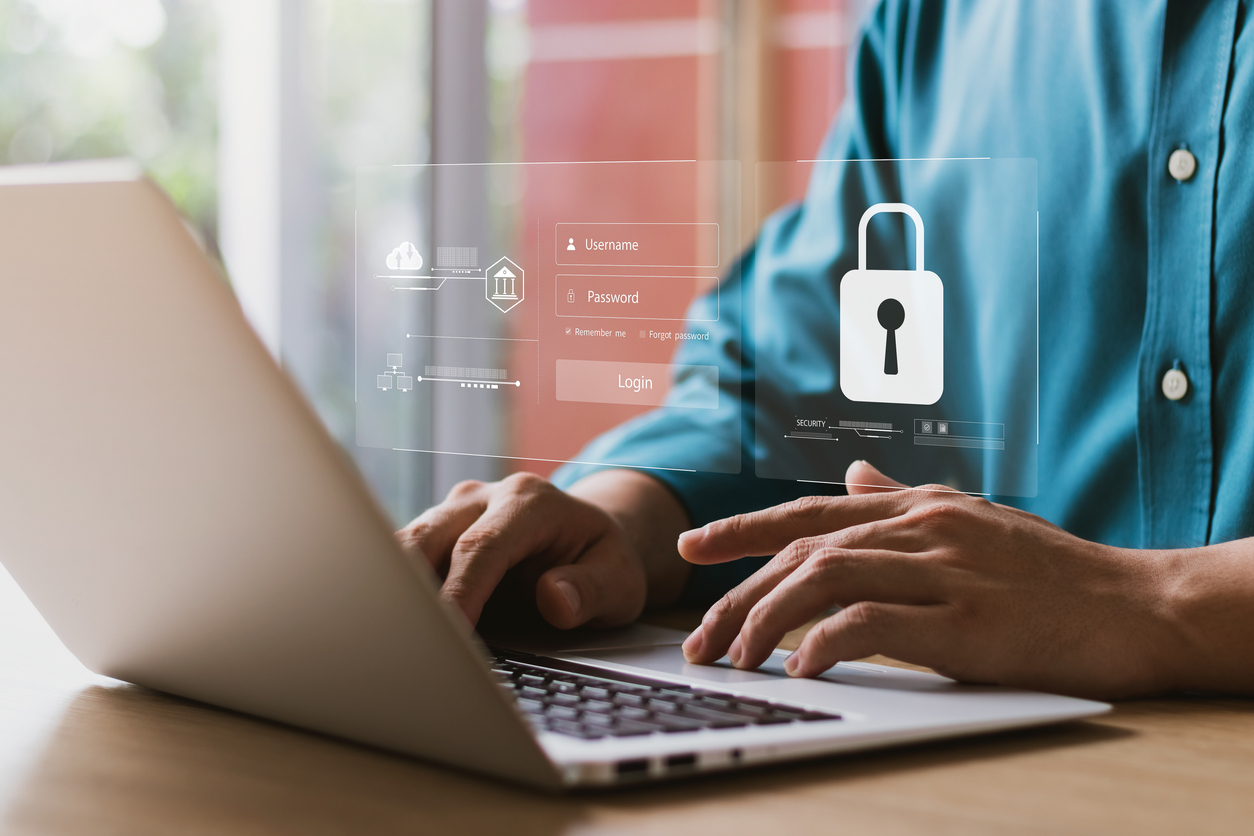
Phishing messages try to trick you into revealing information, opening harmful attachments, or visiting fake websites. Be cautious of unexpected messages that create urgency. Check the sender and website address carefully, and access services through their official app or by typing the address yourself.
A message can look convincing and still be fraudulent. Be wary of unexpected invoices, delivery notices, password-reset requests, or offers that seem too good to be true. If a message claims to come from a person or organization you know, confirm the request through a separate, trusted channel.
Use Trusted Security Software
Use built-in or reputable security software and keep it updated. Run regular scans and pay attention to warnings. Avoid downloading “cleanup” or “driver repair” tools from unfamiliar websites, as some may be unwanted or malicious.
Security software is one layer of protection, not a substitute for careful browsing. Don’t ignore repeated warnings or disable protection just to install an unknown file. If you’re unsure whether a download is safe, get it directly from the software maker’s official website.
Secure Your Wi-Fi and Network
Change your router’s default administrator password and use WPA2 or WPA3 encryption. Keep the router’s firmware updated, and avoid managing it over public Wi-Fi. When using public networks, avoid sensitive transactions unless you can use a trusted, secure connection.
A separate guest network can help keep visitors’ devices apart from your personal computers and smart-home devices. At home, place your router in a secure location and review its connected-device list occasionally so you can spot devices you don’t recognize.
Back Up Important Files
Back up important documents, photos, and other data regularly. Keep at least one backup separate from your computer, such as an external drive that is disconnected when not in use, or a trusted cloud backup service. Test that you can restore files from your backup.
Backups can help you recover from hardware failure, accidental deletion, theft, or ransomware. Consider keeping multiple copies in different locations and protect cloud backup accounts with a strong, unique password and MFA.
Protect Your Devices Physically
Lock your screen when stepping away, use a strong device sign-in method, and enable device tracking or remote-wipe features where available. Be mindful of who can access your computer, especially in shared spaces.
If you travel with a laptop, don’t leave it unattended in public places or visible in a parked car. Keep devices with you when possible, and avoid plugging unknown USB drives into your computer.
Limit App Permissions and Downloads
Install apps only from trusted sources. Review permissions and give apps access only to what they need. Be wary of unexpected pop-ups, pirated software, and files from unknown senders.
Remove apps and browser extensions you no longer use. Extensions can sometimes read or change information on websites, so check their permissions and install only those from developers you trust.
Protect Your Privacy Online
Review privacy and security settings for your accounts and devices. Share personal details thoughtfully, especially information that could help someone guess a password or answer account-recovery questions. Avoid posting sensitive information publicly.
When using websites, check that you’re on the correct domain before entering personal or payment information. A secure connection alone doesn’t prove a site is legitimate, so verify the address and the organization behind it.
Know What to Do if Something Goes Wrong
If you suspect an account or device has been compromised, disconnect the device from the network if appropriate, run a security scan, and change affected passwords from a trusted device. Contact your bank or service provider if financial or personal information may be at risk.
Also review recent account activity, sign out of sessions you don’t recognize, and update recovery details. If you believe your device contains malware, seek help from a trusted technical support professional before using it for sensitive activities.
Conclusion
Good computer security is built from consistent habits: updating software, using unique passwords and MFA, recognizing suspicious messages, and keeping reliable backups. No single measure prevents every threat, but combining these steps makes your devices and data much harder to compromise.
Start with the steps that matter most: secure your email, turn on MFA, update your devices, and back up important files. Then review your security settings regularly so your protections keep pace with new devices, accounts, and online risks.
 Like
0
Like
0
 Dislike
0
Dislike
0
 Love
0
Love
0
 Funny
0
Funny
0
 Angry
0
Angry
0
 Sad
0
Sad
0
 Wow
0
Wow
0