Most computer users interact with hardware devices every day without realizing the critical role that device drivers play behind the scenes. Whether you're listening to music, connecting to Wi-Fi, printing documents, or using a webcam during a video call, drivers make it possible for your operating system and hardware to communicate effectively.
Understanding the different types of drivers can help you troubleshoot issues, improve system performance, and appreciate the technology that keeps your computer running smoothly.
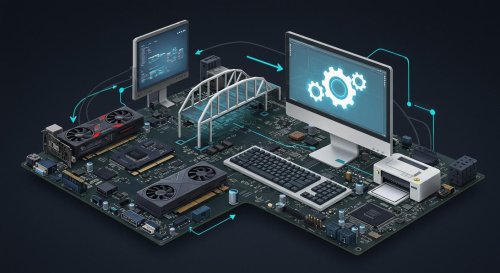
A device driver is a specialized piece of software that allows your operating system to communicate with hardware components. Think of drivers as translators that help your computer understand how to interact with specific devices.
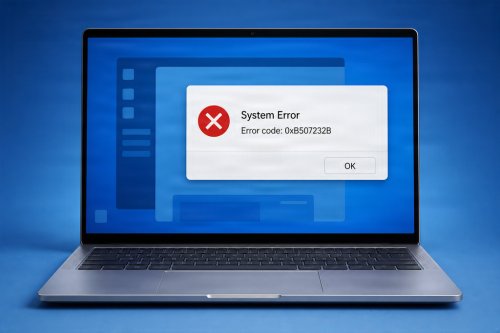
Without the correct drivers, hardware may not function properly—or at all.
For example, your computer's operating system knows how to process commands, but it relies on drivers to communicate those commands to your graphics card, speakers, printer, or network adapter.
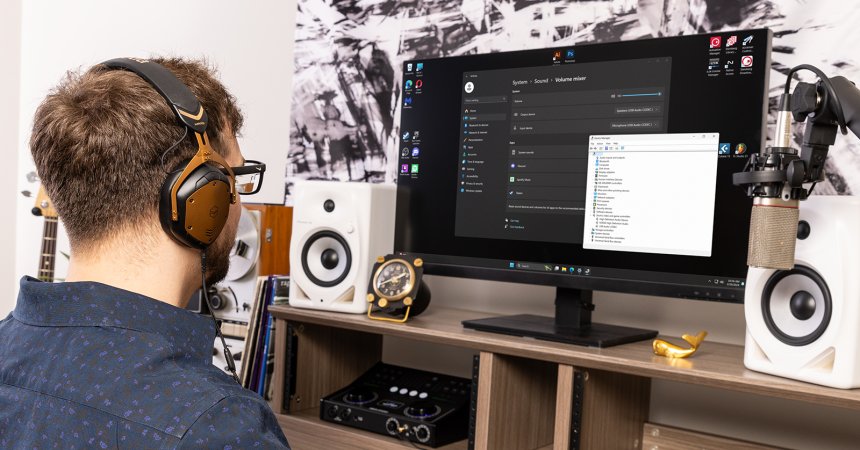
Audio drivers control how your computer processes and outputs sound.
These drivers enable communication between the operating system and audio hardware, such as:
Keeping audio drivers updated can help improve compatibility and resolve sound-related problems.
Graphics drivers are among the most important drivers for gamers, designers, video editors, and anyone who uses visually intensive applications.
These drivers manage communication between the operating system and the graphics processing unit (GPU).
Manufacturers frequently release graphics driver updates that include performance enhancements, bug fixes, and support for new software.
Network drivers allow your computer to connect to networks and the internet.
They control communication between the operating system and networking hardware, including:
Without functioning network drivers, accessing online services becomes difficult or impossible.
Printer drivers translate documents and images into a format that printers can understand.
Different printer models often require specific drivers to access all available features.
Outdated printer drivers can result in printing errors, poor print quality, or communication failures.
Storage drivers help your operating system communicate with storage devices.
These include:
Proper storage drivers help ensure:
Storage driver issues can sometimes lead to slow performance or difficulty accessing files.
USB drivers enable communication between your computer and connected USB devices.
Common USB devices include:
Most modern operating systems include many built-in USB drivers, making plug-and-play functionality possible.
Webcam drivers allow video devices to work correctly with applications such as:
Driver problems can cause cameras to appear unavailable, display poor image quality, or fail to function entirely.
Bluetooth drivers manage wireless communication between your computer and compatible devices.
Examples include:
Updated Bluetooth drivers can improve connectivity, device recognition, and overall stability.
Chipset drivers are often overlooked but play a crucial role in system performance.
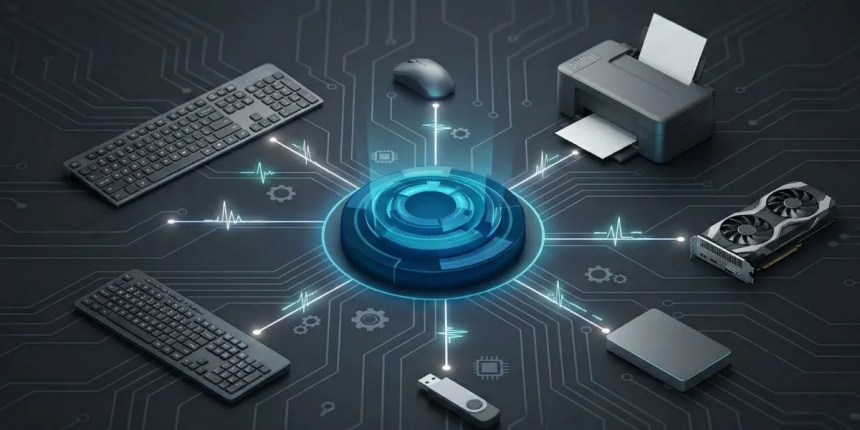
The chipset acts as a communication hub that connects key hardware components, including:
Installing the correct chipset drivers helps ensure optimal communication between these components and can improve overall system stability.
Driver updates often include:
While not every update is essential, keeping important drivers current can help reduce errors and improve reliability.
To maintain a healthy system:
Proper driver maintenance can help prevent hardware issues and improve overall system performance.
Device drivers are the invisible bridge between your operating system and hardware. From audio and graphics to networking and storage, these essential software components allow your devices to function as intended.
Understanding the common types of drivers you use every day can make troubleshooting easier, improve system reliability, and help you get the most out of your computer. By keeping drivers updated and maintaining your system regularly, you can enjoy a smoother, more efficient computing experience.
 Like
0
Like
0
 Dislike
0
Dislike
0
 Love
0
Love
0
 Funny
0
Funny
0
 Angry
0
Angry
0
 Sad
0
Sad
0
 Wow
0
Wow
0