In today's digital world, computers, smartphones, and internet-connected devices play an essential role in our personal and professional lives. We use them to communicate, manage finances, store important documents, conduct business, and access information. However, as technology continues to evolve, cybercriminals are developing increasingly sophisticated methods to steal information, disrupt operations, and compromise computer systems.
Among the most common computer security threats are phishing, ransomware, and spyware. Although these threats operate differently, they share a common goal: exploiting vulnerabilities to gain unauthorized access to information, devices, or systems.
Understanding how these threats work, how to recognize their warning signs, and how to prevent them is essential for protecting personal information, business data, and digital privacy.
Phishing is a type of cyberattack in which criminals impersonate legitimate organizations, businesses, or individuals to trick people into revealing sensitive information or performing actions that compromise their security.
Attackers commonly use fraudulent emails, text messages, phone calls, and websites designed to look authentic. Their messages may appear to come from banks, delivery companies, government agencies, employers, or familiar online services.
The primary objective is often to obtain login credentials, financial information, personal details, or other data that can be used for fraud or further cyberattacks.

A phishing attack typically begins when a victim receives a message containing a request or warning. For example, an email might claim that an online account has been suspended and require immediate verification. The message includes a link to a fake website that resembles the legitimate service.
When the victim enters their username, password, or payment information, the attacker captures the information.
Some phishing messages also contain malicious attachments or links that download harmful software onto the victim's device.
Email phishing: Fraudulent emails are sent to large numbers of recipients, often using familiar company names and urgent messages to encourage people to click links or open attachments.
Spear phishing: Attackers create personalized messages targeting a specific individual or organization. These messages may include the victim's name, job title, colleagues, or other publicly available information to appear more convincing.
Smishing: Short Message Service (SMS) phishing uses text messages to persuade victims to visit fraudulent websites, provide personal information, or download malicious applications.
Vishing: Voice phishing involves fraudulent phone calls in which criminals impersonate legitimate representatives, such as bank employees or technical support agents.
Business email compromise: Criminals impersonate executives, suppliers, or business partners to convince employees to transfer money, change payment details, or disclose confidential information.

Recognizing suspicious messages can help prevent unauthorized access and financial loss. Common warning signs include:
Unexpected messages requesting passwords, financial information, or verification codes.
Urgent threats claiming that an account will be closed or suspended.
Email addresses or website addresses that differ slightly from legitimate ones.
Unusual spelling, grammar, formatting, or branding.
Unexpected attachments or links that encourage immediate action.
Requests to bypass normal security procedures or keep a transaction secret.

However, phishing messages can also be professionally written and may contain accurate personal details. A message should not be considered safe simply because it looks legitimate.
To reduce the risk of phishing attacks, avoid clicking unexpected links or opening suspicious attachments. Instead, visit the organization's official website directly or contact the company using a verified phone number.
Use multifactor authentication (MFA) whenever possible, preferably with an authenticator application or security key. Password managers can also help identify fraudulent websites by refusing to autofill credentials on domains that do not match the legitimate service.
Organizations should provide cybersecurity awareness training, implement email filtering, and establish clear procedures for verifying financial transactions and sensitive requests.
If you accidentally provide your credentials to a suspicious website, change the affected password immediately using the legitimate service, revoke suspicious sessions where possible, and contact the relevant organization if financial or business information may have been exposed.
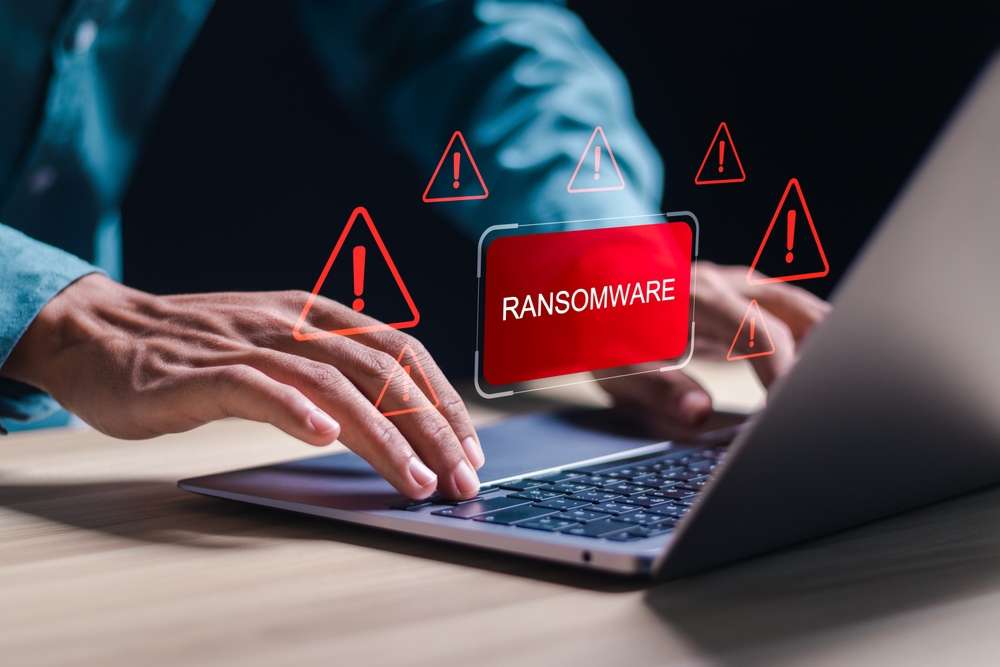
Ransomware is a type of malicious software, commonly called malware, that prevents users from accessing their files, systems, or devices until certain demands are met. Attackers typically encrypt important files and demand payment in exchange for a decryption key or other assistance.
Modern ransomware attacks may also involve data theft. In these cases, criminals threaten to publish or sell stolen information if the victim refuses to pay. This tactic is known as double extortion.
Ransomware can affect individuals, small businesses, large corporations, hospitals, schools, and government institutions. A successful attack can cause financial losses, operational disruptions, reputational damage, and the permanent loss of important data.
Ransomware can enter a system through several methods, including:
Phishing emails containing malicious attachments or links.
Exploitation of outdated software or unpatched security vulnerabilities.
Compromised remote access services and stolen credentials.
Malicious downloads or software installers.
Infected websites and other compromised systems.
Once inside a network, some ransomware operators attempt to gain higher privileges, disable security tools, locate backups, and spread to additional devices before encrypting files.
Victims may discover that documents, photographs, databases, and other files can no longer be opened. A ransom note may appear on the screen, explaining the attackers' demands and providing instructions for payment.

Possible warning signs include:
Files that suddenly become inaccessible or have unfamiliar extensions.
Unexpected ransom notes or payment instructions.
Unusual system activity or a sudden inability to access shared folders.
Security software or backup services being disabled without authorization.
Unexplained changes to files or signs of unauthorized data transfers.
These symptoms can have other causes, so a security investigation may be necessary to confirm an infection.
Preventing ransomware requires multiple layers of security.
Keep software updated. Install operating system, browser, application, and firmware updates promptly to address known security vulnerabilities.
Maintain reliable backups. Back up important files regularly using a combination of secure storage options. Keep at least one backup isolated from the computer or network, so ransomware cannot easily encrypt or delete it.
Use reputable security software. Enable real-time protection, firewall defenses, and other available security features. Keep security definitions and applications updated.
Limit user permissions. Use standard user accounts for everyday activities when possible, and restrict administrative privileges to those who need them.
Secure remote access. Use multifactor authentication, strong unique passwords, and appropriate access controls for remote desktop tools, VPNs, and other remote services.
Train employees. Teach staff to identify phishing attempts, report suspicious activity, and follow established security procedures.
If you suspect a ransomware infection, disconnect the affected device from Wi-Fi, Ethernet, and other network connections to help limit the spread. Avoid connecting backup drives or other storage devices.
Notify your IT or security team if the device belongs to an organization. Preserve relevant evidence and seek assistance from a qualified cybersecurity professional.
Do not immediately delete files or reinstall the operating system before considering evidence preservation and recovery requirements. Determine which systems and accounts may have been affected, and restore clean data only after the source of the infection has been addressed.
Paying a ransom does not guarantee that files will be recovered or that stolen information will remain private. If possible, use verified clean backups or consult trusted incident-response specialists. Depending on the incident, reporting it to relevant authorities may also be appropriate.
Spyware is malicious software designed to monitor a user's activity or collect information without appropriate knowledge or consent. Depending on its capabilities, spyware may gather browsing habits, personal information, login credentials, financial data, or details about how a device is used.
Some spyware operates quietly in the background, making it difficult for users to recognize that their privacy has been compromised.
Spyware may be distributed through deceptive downloads, malicious advertisements, bundled software, compromised websites, or security vulnerabilities. Certain forms may also be installed by someone who has physical access to a device.
It is important to distinguish malicious spyware from legitimate monitoring software used with appropriate authorization and transparency. The defining concern is unauthorized or deceptive surveillance and data collection.
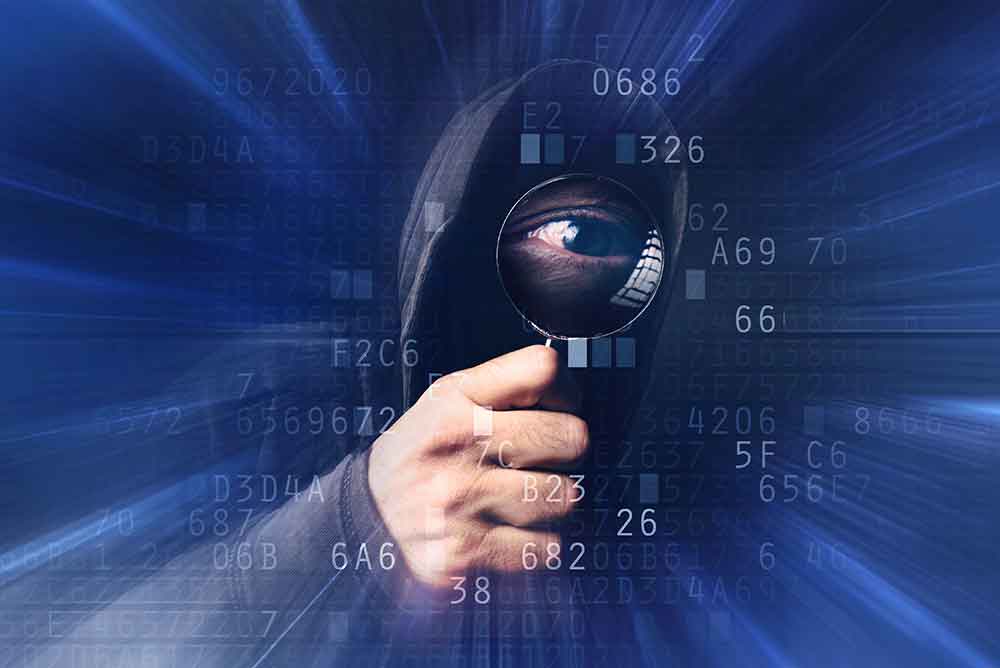
Keyloggers: These programs record keyboard input and may capture passwords, messages, financial details, and other sensitive information.
Tracking spyware: This software monitors browsing behavior, applications, searches, or other activities to collect information about the user.
Password-stealing malware: Some spyware targets saved credentials, authentication tokens, and other information that could allow attackers to access online accounts.
Information-stealing malware: These programs collect data such as browser cookies, stored files, system details, or cryptocurrency wallet information.
Mobile spyware and stalkerware: Certain applications may monitor a phone's location, messages, calls, or other activities without the device owner's informed consent.

Spyware can be difficult to detect because some variants are designed to minimize visible activity. Nevertheless, possible warning signs include:
Unexpected applications or browser extensions.
Unfamiliar changes to browser settings or search engines.
Unusual background network activity.
Increased data usage, battery consumption, or device overheating.
Unexpected security alerts or repeated requests for permissions.
Suspicious login notifications or account activity.
These symptoms do not automatically indicate spyware. Battery drain, slow performance, and high data usage can also result from legitimate applications, hardware issues, or routine software activity.
Download software only from trusted sources and review installation screens carefully. Avoid unofficial installers, pirated software, suspicious browser extensions, and applications requesting permissions unrelated to their purpose.
Keep your operating system and applications updated, enable reputable security protection, and review the applications installed on your devices.
Use unique passwords for different accounts and enable multifactor authentication. If you suspect that your credentials have been stolen, change them from a separate, trusted device and review account sessions and recovery settings.
For mobile devices, review location, microphone, camera, accessibility, and device-administration permissions. Remove applications you do not recognize or no longer need, while taking care not to alert a potential abuser if the suspected monitoring involves personal safety or domestic abuse.
If spyware is suspected, perform a security scan with a trusted tool. For persistent infections, seek professional assistance or consider resetting the device after securing essential data. A reset may not resolve every type of compromise, particularly if account credentials or cloud accounts have also been accessed.
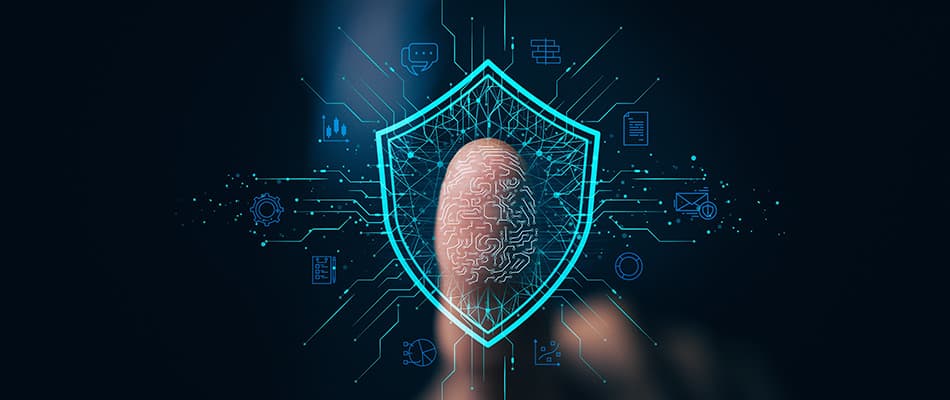
Although phishing, ransomware, and spyware are different types of security threats, they can be connected within the same attack.
| Security threat | Primary purpose | Common impact |
|---|---|---|
| Phishing | Trick users into revealing information or taking unsafe actions | Stolen credentials, fraud, or malware infection |
| Ransomware | Deny access to files or systems and demand payment | Data loss, downtime, and financial damage |
| Spyware | Secretly monitor activity or collect information | Privacy violations, stolen credentials, and identity theft |
Phishing is primarily a deceptive technique used to manipulate people. Ransomware and spyware are types of malware, although the exact capabilities of malicious programs vary.
For example, a phishing email may deliver spyware that steals credentials. An attacker can then use those credentials to gain access to a company's network and deploy ransomware. This illustrates why computer security requires more than a single protective measure.
Protecting your devices requires a combination of technology, awareness, and consistent habits.
Install security updates as soon as practical. Outdated software may contain vulnerabilities that attackers can exploit to access your system or install malware.
Enable automatic updates when appropriate, and remove applications that are no longer supported or needed.
Avoid reusing the same password across multiple accounts. If one service experiences a data breach, reused credentials may allow attackers to access other accounts.
A reputable password manager can generate and securely store unique passwords. Multifactor authentication adds another layer of protection, particularly for email, financial services, cloud storage, and administrator accounts.
Use a trusted security solution with real-time malware protection. Keep it updated and make sure important protective features remain enabled.
No security product can prevent every attack, so combine software protection with safe browsing habits, updates, backups, and account security.
Create regular backups of documents, photographs, business records, and other important files. Use secure storage and periodically verify that your backups can be restored.
For ransomware protection, maintain backups that are offline or otherwise protected from modification by compromised accounts and devices.
Be cautious with unexpected messages, downloads, pop-ups, and attachments. Check website addresses before entering sensitive information, and avoid sharing passwords or verification codes in response to unsolicited requests.
When in doubt, verify the request through a separate, trusted communication channel.
A firewall helps monitor and control network traffic according to configured rules. Secure your home or business Wi-Fi with modern encryption, a strong router administrator password, and updated firmware.
Disable unnecessary remote access services and review connected devices periodically.
Review bank statements, online account activity, login notifications, and security alerts. Investigate unfamiliar transactions or unexpected password-reset messages promptly.
For businesses, centralized monitoring and access controls can help identify suspicious behavior before an incident becomes more serious.
Security awareness is important for all users, regardless of age or technical experience. Family members and employees should understand how to recognize suspicious messages, report potential infections, and avoid sharing sensitive information.
Regular training and clear reporting procedures can reduce the likelihood that one mistake will compromise an entire organization.

If your device or account may have been compromised, take action promptly.
Contain the problem. Disconnect a suspected infected device from the network when appropriate. Avoid using it to access sensitive accounts.
Protect your accounts. From a separate, trusted device, change affected passwords, revoke suspicious sessions, and enable multifactor authentication.
Check for financial risk. Contact your bank or payment provider if financial information may have been exposed.
Scan and investigate. Use reputable security tools or consult a qualified professional to identify the threat and determine the extent of the compromise.
Restore safely. Recover files from verified clean backups after the underlying issue has been addressed.
Report the incident. Notify your organization's IT team or relevant service providers, and report suspected fraud or cybercrime to the appropriate authorities when necessary.
The right response depends on the nature of the incident. For serious business attacks, ransomware infections, or suspected data theft, professional incident-response assistance can help prevent further damage.

Phishing, ransomware, and spyware remain important computer security risks because they exploit both technological weaknesses and human behavior. Phishing tricks users into revealing sensitive information, ransomware can block access to critical files, and spyware can secretly collect personal or business data.
The good news is that many attacks can be prevented or their impact reduced through consistent security practices. Keeping software updated, using strong passwords and multifactor authentication, maintaining secure backups, installing reputable security software, and learning to recognize suspicious activity all contribute to a safer digital environment.
Computer security is not a one-time task. It requires ongoing awareness, regular maintenance, and a willingness to respond quickly when something appears unusual. By understanding these threats and adopting sensible preventive measures, individuals and organizations can better protect their devices, data, privacy, and digital identities.
Stay informed, stay cautious, and make computer security part of your everyday routine.
 Like
0
Like
0
 Dislike
0
Dislike
0
 Love
0
Love
0
 Funny
0
Funny
0
 Angry
0
Angry
0
 Sad
0
Sad
0
 Wow
0
Wow
0