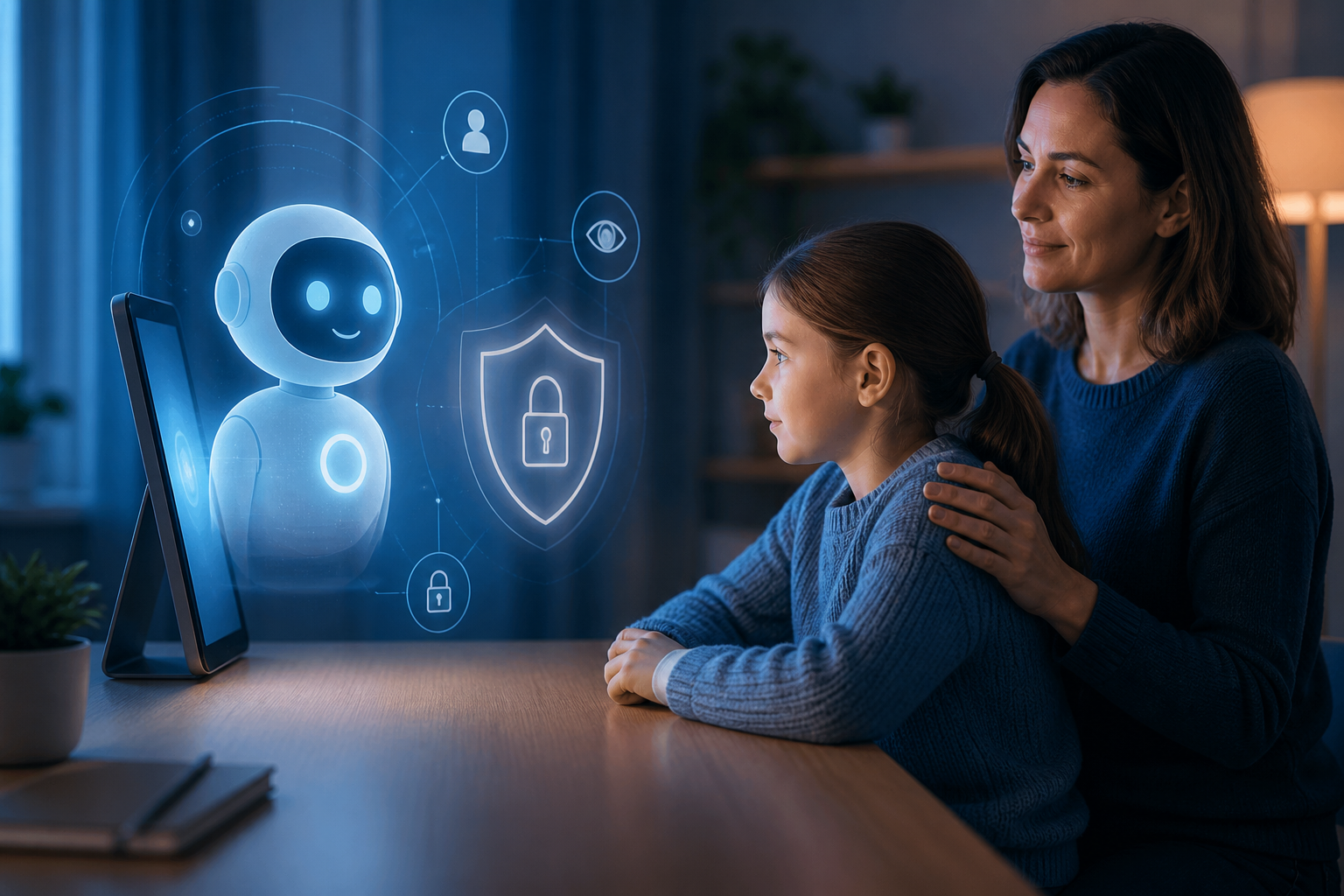

The internet has become an essential part of childhood. Kids use smartphones, tablets, computers, and gaming consoles to learn, communicate with friends, watch videos, play games, and explore their interests. While the internet provides countless opportunities, it also comes with risks that parents and guardians need to understand.
Online safety isn't about completely keeping children away from technology. Instead, it's about teaching them how to use it responsibly and recognize situations that could put their privacy, security, or well-being at risk.
The good news is that online safety doesn't have to be complicated. A few simple habits can significantly reduce the risks children face every time they go online.
Children may not always understand how valuable personal information can be. A seemingly harmless post or conversation can reveal information that strangers could use to identify or locate them.
Teach your children not to share sensitive information online, including their full name, home address, phone number, school details, passwords, or exact location. They should also think carefully before sharing photos that reveal where they live, study, or spend time.
Explain that information posted online can be copied, saved, or shared with people they never intended to see it.
A simple rule to remember is:
If you wouldn't give the information to a stranger on the street, don't give it to a stranger online.

Passwords are one of the simplest ways to protect online accounts, but children often choose passwords that are easy to remember—and therefore easy to guess.
Help your kids create strong passwords or passphrases that don't contain obvious information such as their name, birthday, school, or favorite sports team.
More importantly, encourage them not to reuse the same password across multiple accounts. If one account is compromised, reused passwords could give an attacker access to several other accounts.
Where available, enable multi-factor authentication (MFA). It provides an additional layer of protection even if someone manages to obtain the password.

Scams aren't always obvious. Cybercriminals often make fraudulent messages look like they came from legitimate companies, friends, teachers, or gaming platforms.
Children may encounter messages saying they have won a prize, have received free game credits, need to verify an account, or must click a link to receive a reward.
Teach them to slow down before clicking.
If a message creates a strong sense of urgency—such as “Act now!”, “Your account will be deleted!”, or “You won a free prize!”—that should be a warning sign.
Encourage your children to ask a parent or trusted adult before clicking unfamiliar links, downloading unexpected files, or providing personal information.

Games, apps, browser extensions, and free software can sometimes contain unwanted or malicious programs.
Children should avoid downloading software from unknown websites or clicking suspicious advertisements that promise free games, rewards, cheats, skins, or virtual currency.
Whenever possible, download applications from official app stores or the developer's legitimate website.
Parents should also review the permissions requested by apps. A simple game may not need access to contacts, microphones, cameras, or precise location information.
Children can sometimes post things online without realizing how long those posts may remain accessible.
A joke, embarrassing photograph, angry comment, or private conversation can potentially be saved and shared by someone else.
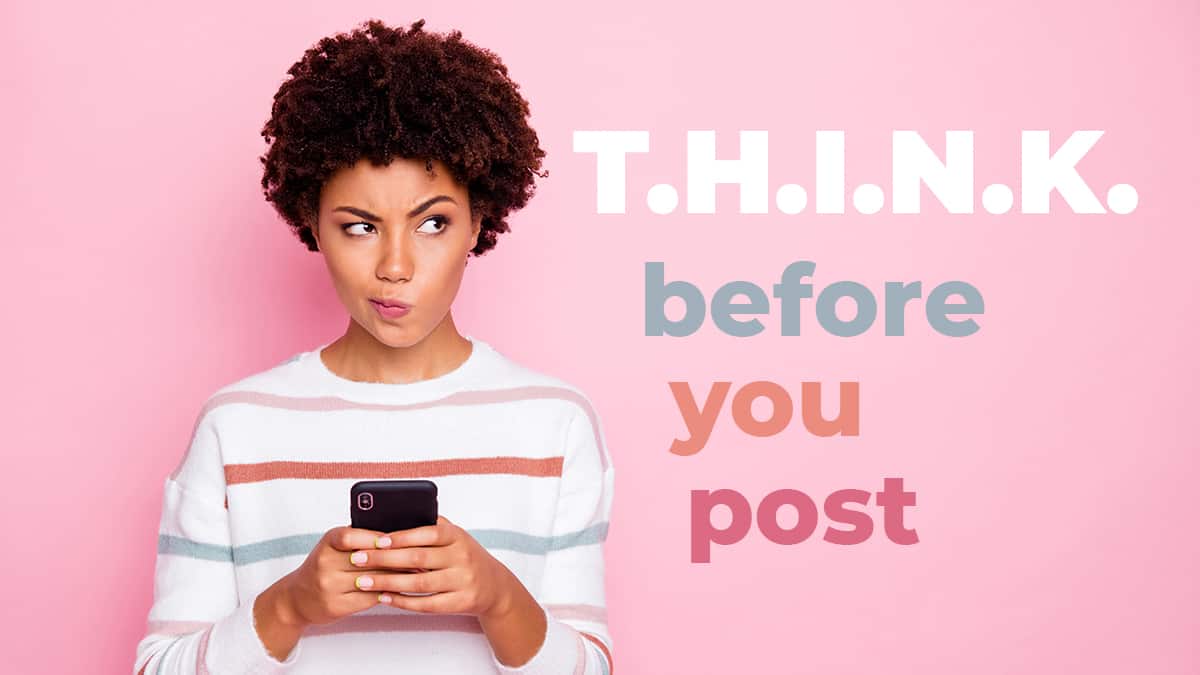
Teach children to pause before posting and ask themselves:
“Would I be comfortable if my parents, teachers, or future employer saw this?”
This doesn't mean children should be afraid to express themselves. It simply teaches them that having control over their digital footprint is an important part of being responsible online.
Privacy settings can also help, but they shouldn't be treated as a guarantee of privacy. Anything shared online can potentially be copied or redistributed.
Online friendships can be meaningful, but children should understand that people aren't always who they claim to be.
Someone who says they are another child may actually be an adult using a fake identity. Strangers may gradually build trust before asking for personal information, photographs, money, or private conversations.
Teach children never to arrange an in-person meeting with an online-only contact without involving a parent or trusted adult.
They should also know that they can end a conversation, block an account, and report someone who makes them uncomfortable.
Most importantly, make sure they know they won't get in trouble for telling you about a suspicious or uncomfortable interaction.
Technology changes quickly, and parents can't always know every app, game, website, or trend their children encounter.
That's why communication may be more effective than simply creating a long list of restrictions.
Ask your children what they enjoy doing online. Talk about the games they play, the platforms they use, and the people they interact with.
Create an environment where they feel comfortable telling you when something goes wrong.
If a child receives a threatening message, encounters inappropriate content, or gets tricked by a scam, fear of punishment may cause them to hide the problem.
Instead, reinforce the idea that asking for help is always the right choice.
Parental controls can be useful tools. Depending on the device or service, they may allow parents to manage screen time, restrict inappropriate content, approve downloads, or control certain privacy settings.
However, technology can't replace conversations with your children.
Filters can miss harmful content, and children may eventually encounter situations that automated tools don't recognize. Combining parental controls with education and communication creates a much stronger approach to online safety.
Another simple security habit is keeping phones, computers, gaming systems, applications, and browsers updated.
Software updates often include security fixes that protect devices against newly discovered vulnerabilities.
Turn on automatic updates whenever practical, and make sure security software is active and receiving current updates.
This is particularly important for devices that children use to browse the web, download applications, communicate with others, or make purchases.
Every family can benefit from having a simple online safety plan.
Decide what information children should never share, which websites or apps are appropriate, and what they should do if they encounter something suspicious.
For younger children, parents may want to establish rules about where devices can be used and when they can be accessed. As children get older, gradually give them more independence while continuing to discuss responsible online behavior.
The goal isn't to monitor every click forever. It's to help children develop the judgment they need to protect themselves in the long run.

Keeping children safe online doesn't require parents to become cybersecurity experts.
Start with simple lessons: protect personal information, use strong passwords, recognize scams, be careful with downloads, think before posting, know who you're talking to, and ask for help when something feels wrong.
Most importantly, keep the conversation going.
The online world will continue to change, but the fundamental principles of good digital safety remain the same. By teaching children these habits early, parents can help them enjoy the benefits of technology while becoming smarter, safer, and more responsible digital citizens.
 Like
1
Like
1
 Dislike
0
Dislike
0
 Love
0
Love
0
 Funny
0
Funny
0
 Angry
0
Angry
0
 Sad
0
Sad
0
 Wow
0
Wow
0