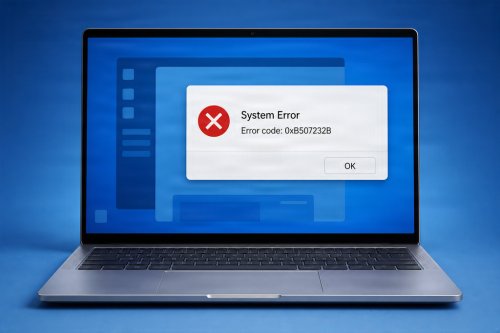
If your computer feels slower than usual or you’re concerned about online threats, one of the simplest fixes is often overlooked: updating your apps and operating system (OS). Software updates aren’t just about new features—they play a critical role in improving performance, fixing bugs, and protecting your device from security risks.
Software updates are improvements released by developers to enhance applications and operating systems. These updates may include performance upgrades, bug fixes, security patches, and new features designed to improve your overall experience.
Updates often optimize how software runs, making your system faster and more responsive. They can fix slow processes and improve how apps interact with your hardware.
Cyber threats constantly evolve, and outdated software becomes an easy target. Updates patch vulnerabilities that hackers and malware might exploit, helping protect your data.
Glitches, crashes, and unexpected behavior are often resolved through updates. Keeping your system current reduces these issues.
Updated software ensures better compatibility with new apps, websites, and hardware devices.
Developers frequently introduce new tools and enhancements that improve usability and productivity.
These are critical for your computer’s overall health. They include security patches, stability improvements, and performance enhancements.
Apps like web browsers, office tools, and antivirus programs need regular updates to function efficiently and securely.
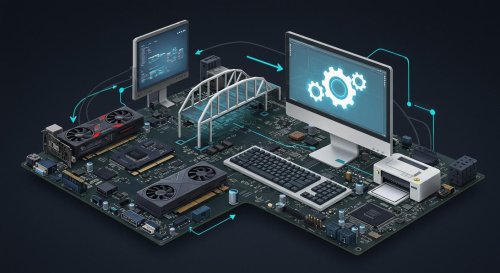
Drivers enable your hardware (such as graphics cards and printers) to communicate with your system. Updating them can improve performance and fix hardware-related issues.

Turn on automatic updates so your system installs important updates without requiring manual checks.
Occasionally, check for updates in your system settings to ensure nothing is missed.
Download updates from trusted sources such as official websites or app stores to avoid malware.
Restarting ensures updates are properly installed and applied.
Regularly updating your apps and operating system is essential for maintaining both speed and security. These updates ensure your computer runs smoothly, stays protected from threats, and performs at its best. By making updates a routine habit, you can avoid many common performance issues and keep your digital environment safe and efficient.
 Like
0
Like
0
 Dislike
0
Dislike
0
 Love
0
Love
0
 Funny
0
Funny
0
 Angry
0
Angry
0
 Sad
0
Sad
0
 Wow
0
Wow
0