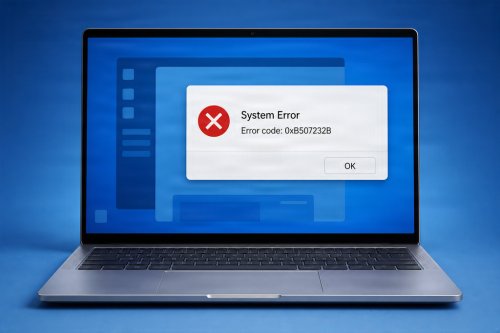
If you’ve ever plugged in a printer, mouse, or graphics card and been told to “install a driver,” you might have wondered what that actually means. Don’t worry—computer drivers are much simpler than they sound.
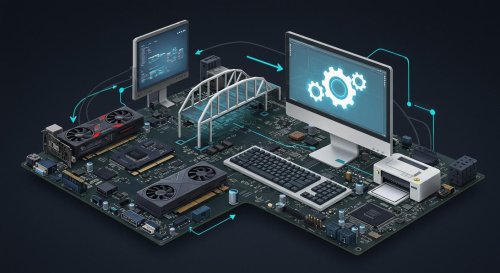
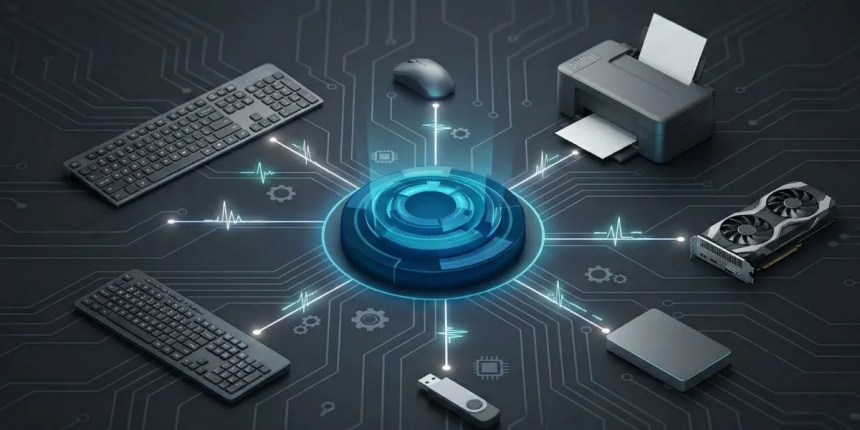
A computer driver is a small piece of software that allows your operating system (like Windows or macOS) to communicate with hardware devices such as printers, keyboards, graphics cards, and more. Think of a driver as a translator. Your computer’s operating system speaks one language, while hardware devices speak another. The driver helps them understand each other.
A computer driver is software that helps your device’s hardware run properly. Software refers to files, programs, and data, while hardware refers to the physical peripherals, such as a computer monitor, mouse, and keyboard. Simply put, software is digital, and hardware is tangible.
Computer drivers serve as a bridge between hardware and software by communicating with your device’s operating system to ensure connected hardware, like a printer or graphics card, works properly. Updating your computer drivers is like renovating that bridge every few months or so.
Computer drivers come in multiple categories that each serve different purposes. Here are common drivers you’ll find on virtually every device:
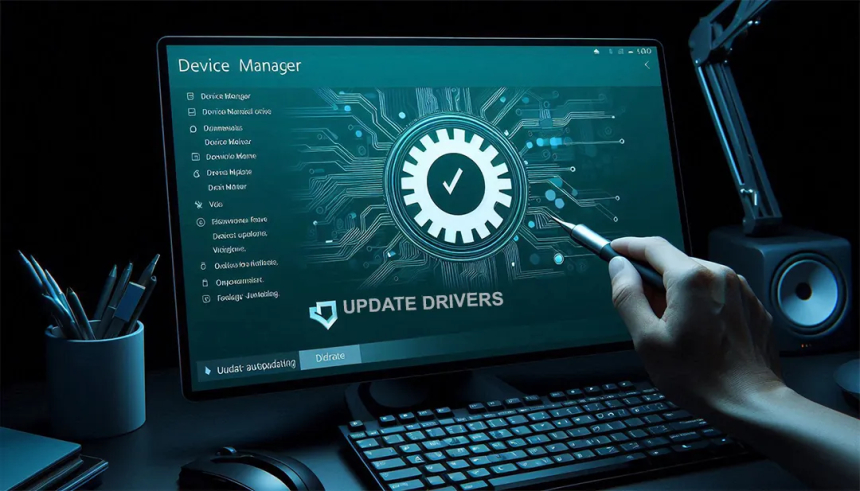
It’s also possible to download drivers from the internet onto most modern devices. If you own a Windows PC, you can use the Device Manager to find all the drivers on your computer. On Mac, you can update your drivers by opening “System Settings,” going to the “General” tab, and selecting “Software Update.”
Without drivers, your computer wouldn’t know how to use connected devices. Drivers ensure that hardware works properly and efficiently.
Here’s why they matter:
These control how images and videos appear on your screen.
Allow your computer to send documents to a printer in a format it understands.
Manage sound input and output for speakers, headphones, and microphones.
Help your computer connect to the internet via Wi-Fi or Ethernet.
Support keyboards, mice, and touchpads.
When you give a command—like printing a document—the operating system sends instructions to the driver. The driver then translates those instructions into a format the hardware device can process.
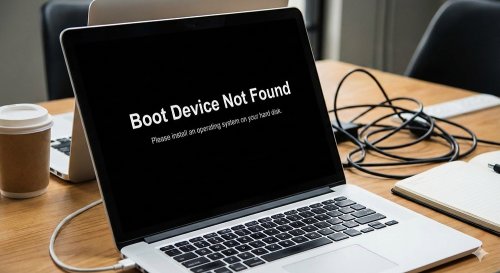
Most modern operating systems automatically install drivers when you connect a device. However, in some cases, you may need to install or update drivers manually to:
Keeping drivers up to date helps maintain system performance and security.
A computer driver may sound technical, but it’s simply a tool that helps your computer communicate with hardware devices. Understanding the basics can help you troubleshoot issues, improve performance, and keep your system running smoothly.
 Like
1
Like
1
 Dislike
0
Dislike
0
 Love
0
Love
0
 Funny
0
Funny
0
 Angry
0
Angry
0
 Sad
0
Sad
0
 Wow
0
Wow
0