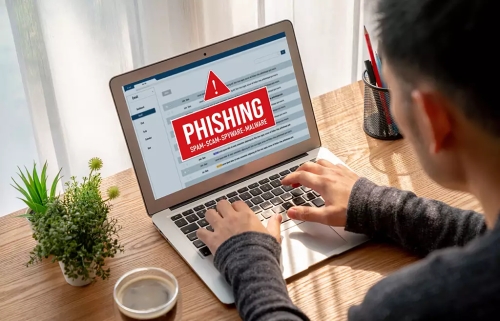
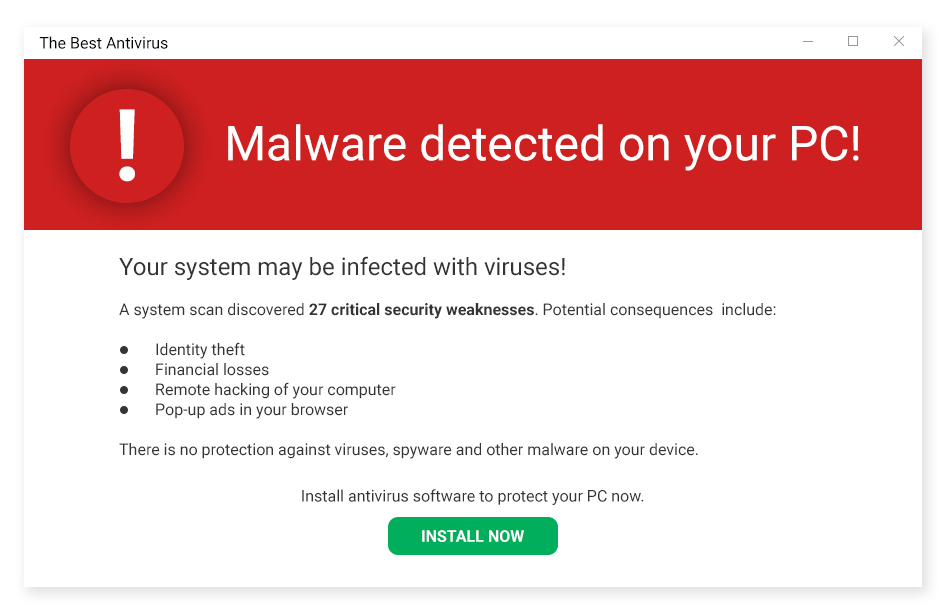
One common misleading tactic is exaggerating problems. Certain software programs scan a device and claim to find hundreds or even thousands of “critical issues,” such as errors or security threats. In many cases, these issues are minor, harmless, or even normal system entries. The goal is often to scare users into believing their device is at serious risk, encouraging them to pay for a premium version of the software.
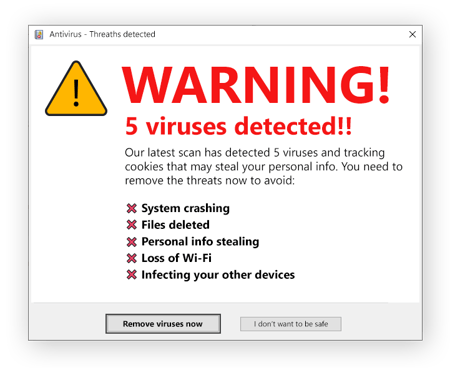
Another tactic is the use of scare messages and urgent warnings. Pop-ups may display alarming language like “Your system is in danger!” or “Immediate action required!” These messages create pressure and fear, making users feel they must act quickly without taking time to research the software or consider alternatives.
Some software also relies on limited free functionality. While advertised as “free,” the program may only perform a basic scan, while fixing any issues requires payment. This can be misleading if the limitations are not clearly explained up front. Users may feel tricked after investing time installing the software, only to discover they must pay to see real results.
Additionally, unclear pricing and subscription terms can confuse users. Automatic renewals, hidden fees, or difficult cancellation processes are sometimes buried in fine print. This lack of transparency can lead to unexpected charges and frustration.
To avoid falling for misleading software tactics, users should read reviews from trusted sources, rely on built-in system tools when possible, and avoid acting on fear-based messages. Taking time to research before installing or purchasing software is one of the best ways to stay protected.

Some companies use bundling tactics, where additional programs are installed alongside the main software without clear permission. These extra tools may slow down the system or collect data. Users may not realize they agreed to these installations because the information was hidden in lengthy terms and conditions.
Another concern is customer support practices. Some software companies make it difficult to reach real support representatives or delay responses to refund requests. This can discourage users from asking questions or canceling subscriptions, making them feel stuck with a product they no longer want.
Misleading marketing can also affect younger or less experienced users, who may trust advertisements or warnings more easily. This highlights the importance of digital literacy and teaching users how to recognize dishonest tactics, check reliable sources, and understand basic system functions.
In conclusion, misleading tactics in software can take many forms, from scare-based messages to unclear pricing and exaggerated claims. By staying informed and cautious, users can make smarter choices and use technology in a safer and more confident way.
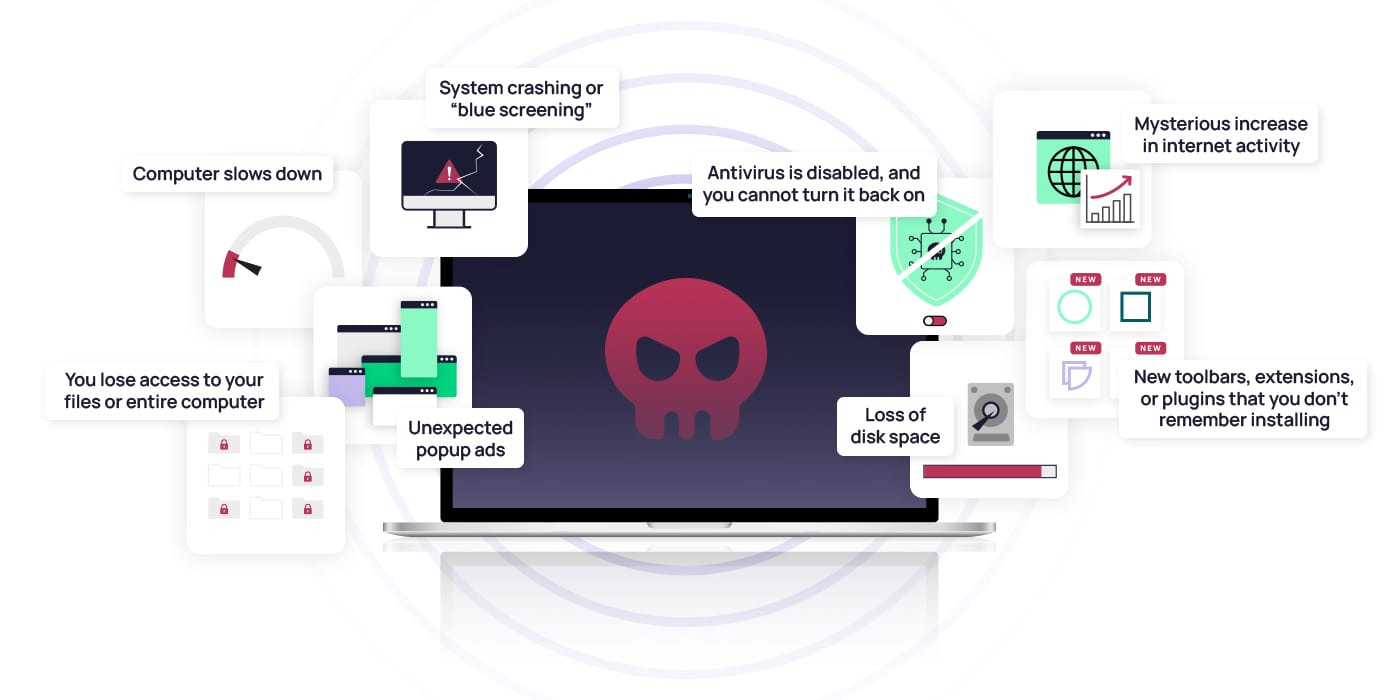
Malware is a program, code, or file designed to disrupt, damage, or steal data. Many malware attacks accompany scams that aim at stealing money, taking personal data, or holding information for ransom. Other malware attacks lead to unauthorized network access or cause major system disruptions.
Choosing the right security software is essential for keeping your computer safe and running smoothly. Reliable security programs help protect against viruses, malware, and online threats while ensuring your personal information remains secure. By selecting trusted software, keeping it updated, and avoiding misleading or unreliable programs, users can reduce risks and enjoy a safer digital experience. Making informed decisions about security software is a key step toward responsible and confident computer use.
Malware comes in many forms, and knowing the different types and how they can affect you is important.
 Like
2
Like
2
 Dislike
0
Dislike
0
 Love
1
Love
1
 Funny
0
Funny
0
 Angry
0
Angry
0
 Sad
0
Sad
0
 Wow
0
Wow
0