Phone scams are a growing problem, with scammers pretending to represent trusted companies such as Microsoft or other well-known organisations. These callers often claim that the user’s computer or phone has been hacked or infected with dangerous viruses. Their goal is to create fear and pressure the user into taking immediate action.
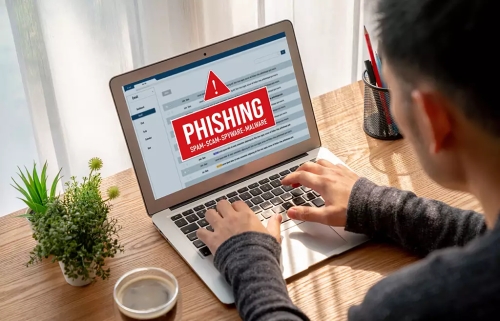
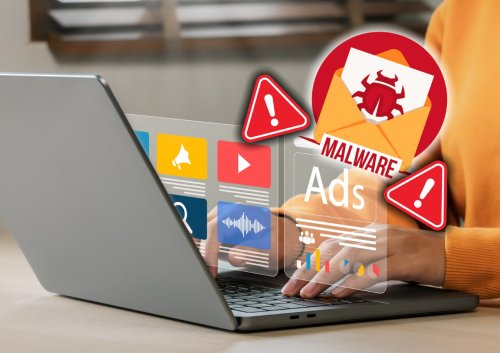
Phone calls are unlikely to be the direct source of phone hacks. But text messages can contain malware, and both calls and texts can be used to launch phishing attacks or other scams to trick you into giving up sensitive information, transferring money, or downloading viruses or spyware.
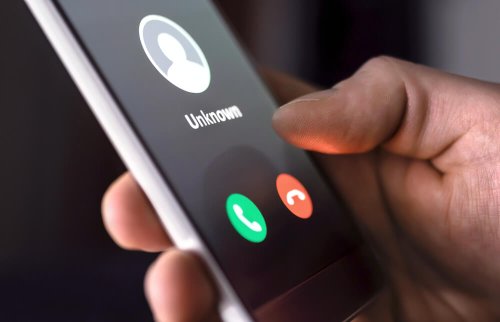
The best way to avoid hacks via texts and calls is not to answer numbers you don’t recognise. Don’t call them or text them back, and don’t click any links. You might be the victim of a callback scam, and calling back may charge you at an international rate, with the hacker getting some or all of it. And watch out for social engineering tactics that fraudsters use to get you to click a malicious link.

A message with a suspicious link could look like one of the following:
An advertisement for a sale or an offer
A request for help from a family member
A warning from a social media platform
In these scams, a fraudster pretends to be from a well-known tech company, such as Microsoft or Apple, claiming there’s a serious issue with your computer, smartphone, or other device. They might say your device is infected with a virus or has been hacked and ask for remote access to “fix” the problem.
Instead, they could install malware to steal sensitive information like passwords or financial data. Never grant remote access to your device unless you’ve initiated contact with a trusted professional, and keep your antivirus software updated.
Hackers can imitate — or “spoof” — email addresses and phone numbers. Don’t fall for it. When it comes to scam phone calls, hackers often impersonate trusted organisations to try and get targets to give up sensitive information — known as vishing (voice phishing).
A common tactic used in these scams is impersonation. Scammers introduce themselves as “technical support agents” and may use professional language, fake employee IDs, or official-sounding department names. By mentioning familiar companies like Microsoft, they attempt to gain the user’s trust quickly.

Another key tactic is the use of false security alerts. Callers often say they have detected suspicious activity, hacking attempts, or malware on the user’s device. In reality, companies like Microsoft do not monitor individual devices or make unsolicited phone calls about security issues.
Scammers also rely heavily on urgency and fear. They may warn that personal data is being stolen or that the device will stop working if the user does not act immediately. This pressure is meant to stop users from questioning the call or seeking advice from others.

In many cases, the caller will ask the user to install remote access software, share personal information, or make a payment for fake repair services. These actions can give scammers access to sensitive data or lead to financial loss.
To stay safe, users should never trust unsolicited calls claiming their device is infected. Hanging up, blocking the number, and contacting the company directly through its official website are safer steps. Using reliable security software and staying informed about common scam tactics can greatly reduce risk.

Staying informed and cautious can help protect you and your loved ones from falling victim to these deceptive tactics.
Scammers are constantly improving their tactics, which means staying vigilant is more important than ever. Use these practical phone security tips to avoid falling victim to a scam and keep your personal information safe.
Take advantage of your smartphone’s built-in features or download a trusted third-party app to block spam or unknown numbers. These tools help reduce the number of unwanted calls you receive.
Additionally, consider registering your number on the National Do Not Call Registry, which can minimise legitimate telemarketing calls. While it won’t stop scammers, it’s an easy first step to reduce overall disruptions to your daily life.
Never share sensitive data like your Social Security Number, credit card information, or online banking credentials over the phone—even if the caller seems legitimate.
Scammers are skilled at using friendly or urgent tones to extract details from you, so always be cautious when asked for personal information. Remember, most legitimate organisations will not ask for this information over the phone.
If someone calls claiming to represent a company, bank, or government agency, don’t act immediately.
Hang up and contact the organisation directly by using their official phone number found on their website or official documents. This step ensures you’re speaking to a verified representative and not falling for a fake call.
Scammers often create a sense of urgency, pressuring you to make quick decisions such as transferring money or providing personal details.
Pause, think, and take your time before acting on any request. Legitimate organisations will understand if you need extra time to verify their claims. If something feels off, trust your instincts and investigate further.
Many modern smartphones now come with AI-based call screening features that identify and flag potential spam or scam calls before you even answer.
These tools help filter unwanted calls and give you peace of mind. If your phone doesn’t have this feature, several apps on the market can provide similar protection.
Scammers update their methods constantly, so staying informed is key to protecting yourself. Subscribe to newsletters from trusted sources such as the Federal Trade Commission (FTC), consumer watchdog organisations, or local law enforcement agencies to learn about the latest scams in your area.
Share what you learn with friends and family to help them stay safe as well.
By taking these proactive steps and remaining cautious, you can greatly reduce your risk of falling victim to phone scams and keep your personal and financial information secure.
In conclusion, phone scams that impersonate Microsoft or other legitimate entities rely on fear, impersonation, and urgency. Awareness and caution are essential tools for protecting personal information and maintaining digital safety.
Advanced System Repair and PC 1Care do not participate in or tolerate these behaviours. You can immediately report this to our fraud department by sending an email to support@advancedsystemrepair.com so we can investigate and put a stop to these bad actors.
 Like
1
Like
1
 Dislike
0
Dislike
0
 Love
1
Love
1
 Funny
0
Funny
0
 Angry
0
Angry
0
 Sad
0
Sad
0
 Wow
0
Wow
0