In today’s hyperconnected world, our digital lives are more public than ever. From social media posts to app permissions, every click and tap leaves behind a data trail. But when was the last time you checked your privacy settings? If your answer is “a while ago” — or “never” — it might be time for a quick digital check-up.
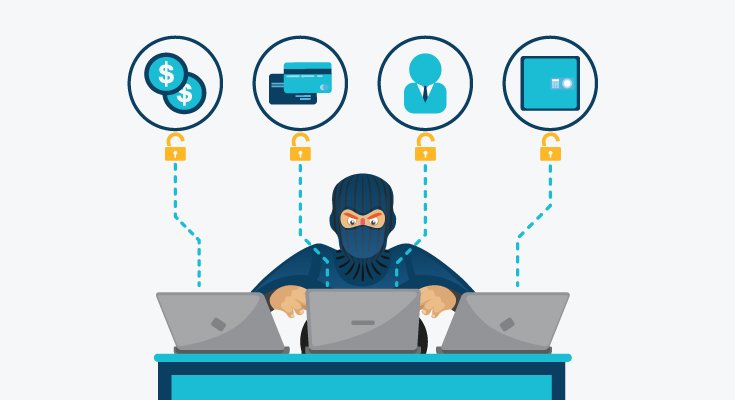
Every platform you use — whether Facebook, Instagram, Google, or even your smartphone — collects data about you. This data can include your location, contacts, browsing habits, and even voice recordings. While much of it is used for personalization, it can also be misused for targeted advertising, tracking, or, in the worst cases, identity theft.
Adjusting your privacy settings helps you control who can see your information, how it’s used, and what’s being collected. It’s one of the simplest and most powerful ways to protect your online identity.
Facebook & Instagram: Limit who can see your posts, photos, and stories. Turn off facial recognition and location tagging.
TikTok: Set your account to private and review ad personalization options.
X (formerly Twitter): Disable location sharing and restrict who can tag or message you.
Pro Tip: Review your friend lists and remove accounts you don’t recognize — fake or inactive profiles can pose security risks.

Your Google account stores a wealth of personal data — search history, locations, YouTube views, and more.
Turn off Web & App Activity if you don’t want Google tracking your online behavior.
Delete old search and location history periodically.
Use Incognito Mode or Guest Mode when browsing on shared devices.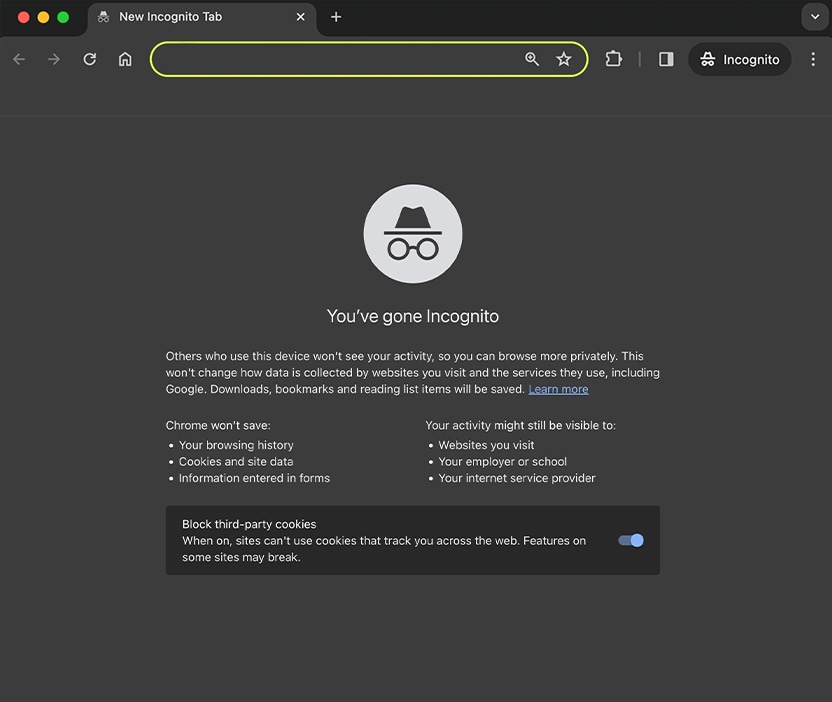
Many apps request permissions they don’t really need.
Check which apps can access your location, microphone, camera, and contacts.
On Android and iOS, go to Settings → Privacy → App Permissions to make adjustments.
Deny permissions that don’t make sense (for example, a calculator app shouldn’t need access to your photos).
Your browser stores cookies, passwords, and browsing history that can expose your habits.
Enable Do Not Track and block third-party cookies.
Clear your browsing data regularly.
Consider privacy-focused browsers like Brave or Mozilla Firefox, or install extensions that block trackers.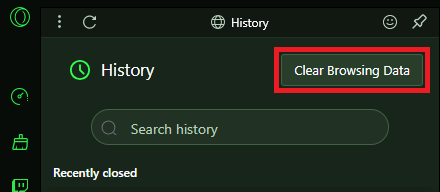
Set strong passwords or biometrics for your phone and computer.
Turn off Bluetooth, Wi-Fi, and GPS when not in use.
Enable encryption and automatic screen locks to protect your device if lost or stolen.
Your cloud storage (Google Drive, Dropbox, iCloud) and email accounts often hold sensitive documents. Make sure:
File sharing is restricted to people you trust.
Two-factor authentication (2FA) is turned on.
Old shared links are revoked to prevent unauthorized access.
Updating your privacy settings only takes a few minutes — but those minutes can prevent months of frustration from data misuse or identity theft.
At Cyber Shield Software, we believe that privacy is not a luxury — it’s your digital right. Regularly reviewing your settings is the first step toward a safer, more secure online experience.
Stay Smart. Stay Private. Stay Protected — with Cyber Shield Software. 🔐
 Like
0
Like
0
 Dislike
0
Dislike
0
 Love
0
Love
0
 Funny
0
Funny
0
 Angry
0
Angry
0
 Sad
0
Sad
0
 Wow
0
Wow
0