

Eliminate all unnecessary files to keep your computer at peak efficiency and working the way it should. You should first think about any unused applications and programs you do not use.
How to free up your Hard Drive
Your computer may run slowly because your hard drive has used up almost all its hard disk space. Run Disk Cleanup to free up space:
Storage Sense is a valuable tool for Windows 10 and 11. It automatically sorts your storage for you and advises which programs are using up the space on your hard drive. Using Storage Sense will have your computer working more smoothly and efficiently. To find it:
To delete unnecessary files, do the following:
Multiple files, pictures, and icons on your desktop can seriously slow your computer down. Yes, it is easier to save to the desktop, but keeping many files on the desktop slows your system down.
So, sort the files into categories and relocate them to Documents, Photos, or Videos. Doing this will ease your computer's load and make it easier to find in the future.
Hard drives fragment data as they store the data in random areas. By defragmenting your hard drive, your computer compacts all your data together. So, your hard drive can find information faster and write new information more quickly.
SSDs don't need defragmenting the same way that older hard disks do. The good news is Windows takes care of both drives.
Windows defragmentation program is on by default, but you can do it yourself if you feel it necessary. To defragment your hard disk yourself, follow these steps:
After that, it is best to set a schedule appropriate to you.
Whenever you delete a file, it isn't technically gone. The files are in the Recycle Bin located on your Windows desktop
They remain there until the Recycle Bin reaches its preconfigured maximum size (or until you empty the bin), at which point Windows deletes the oldest files to make room for new ones.
How to fully empty your Recycle Bin
How to set the Recycle Bin to delete files automatically
How to change the Maximum Size the Recycle Bin can reach
You can also limit the amount of data stored in the Recycle bin.
You can free up space by saving files to the cloud.
Windows OneDrive Files On-Demand allows you to make files available online only to save some space on your computer.
In Windows 10, Files On-Demand should be enabled in OneDrive, but if it is not, do the following:
To make files available only online:
You can now access all your files using File Explorer, but you need an internet connection. You can free up extra space by moving files to OneDrive and repeating the above steps to have them available on demand.
Unfortunately, the free version of OneDrive only allows you to store up to 5GB. However, a Microsoft 365 subscription raises this to 1TB. It also gives you the Office apps and services like Microsoft Teams and Family Safety.
A fantastic way to free up space on your hard drive is to save them to an external drive.
To transfer files to an external drive, connect the drive you will dedicate to the computer, and then do the following:
You can set the external drive as a permanent location to save files and other applications:
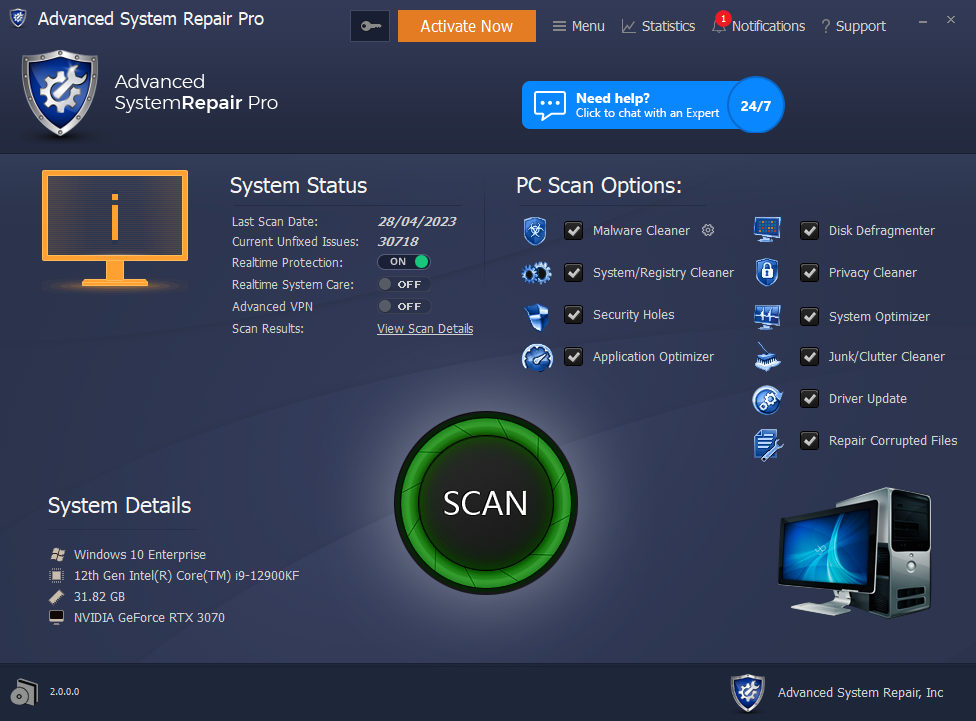
The best PC cleaners make it simple and easy to keep your computer optimized and running efficiently. These apps help you free up space as they:
With Windows' built-in system maintenance tools, you can do many of the same tasks. But these tools add convenience.
 Like
0
Like
0
 Dislike
0
Dislike
0
 Love
0
Love
0
 Funny
0
Funny
0
 Angry
0
Angry
0
 Sad
0
Sad
0
 Wow
0
Wow
0