
Here are the essential secure browsing habits you need to know to protect yourself in the vast digital landscape:
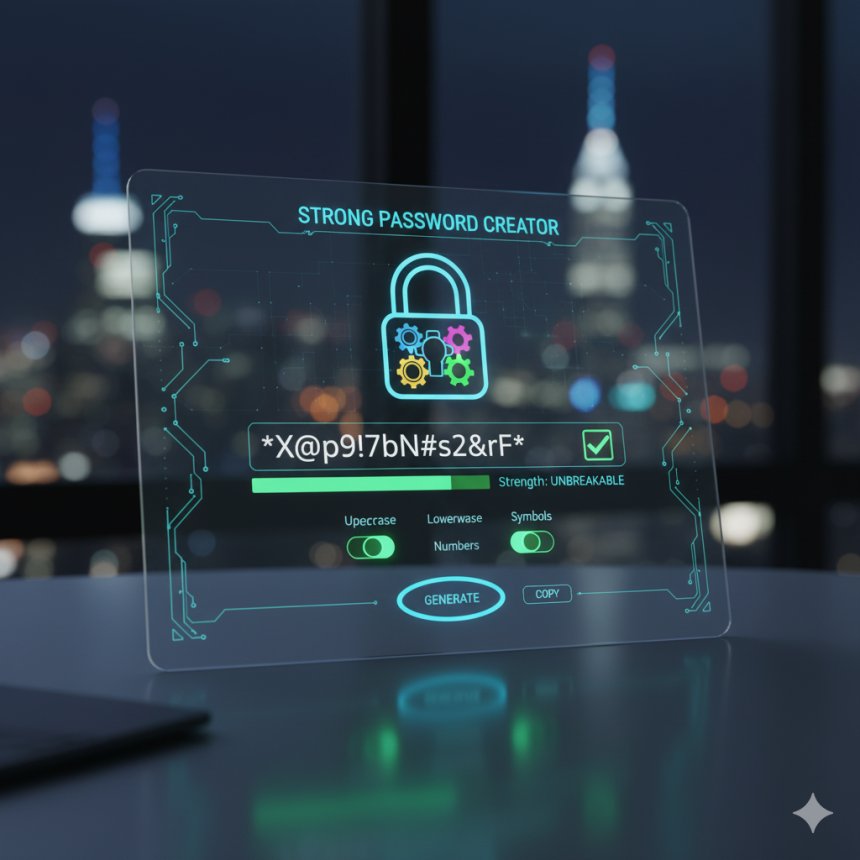
1. Use Strong, Unique Passwords and a Password Manager:
This is the cornerstone of online security. Reusing passwords across multiple sites is like using the same key for your house, car, and bank vault – if one is compromised, everything is.
· Password Manager: A password manager generates and stores complex, unique passwords for all your accounts. You only need to remember one master password. This is perhaps the single most impactful step you can take for personal cybersecurity.
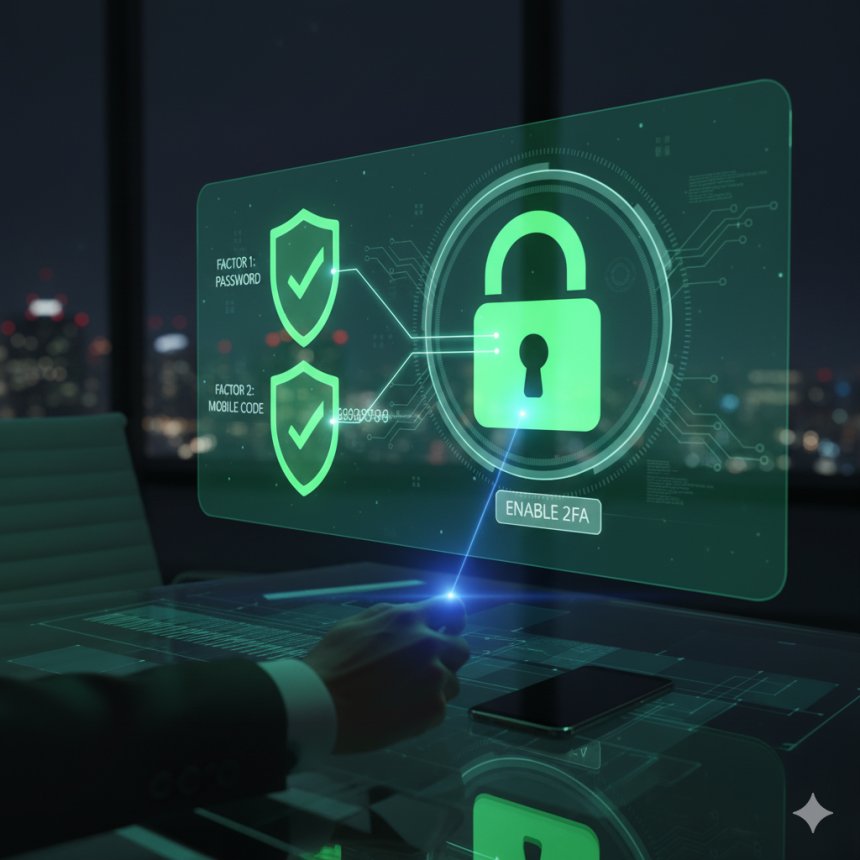
2. Enable Two-Factor Authentication (2FA) Everywhere Possible:
2FA adds an extra layer of security beyond just a password. Even if a hacker gets your password, they'll need a second form of verification (like a code from your phone, a fingerprint, or a physical key) to access your account. Enable it for email, social media, banking, and any other critical service.
3. Be Wary of Suspicious Links and Phishing Attempts:
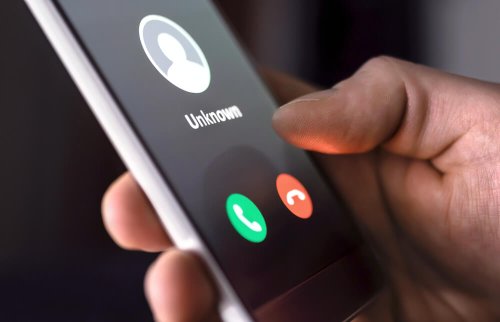
Phishing is a common and effective tactic for cybercriminals. They try to trick you into revealing sensitive information (passwords, credit card numbers) by impersonating legitimate entities.

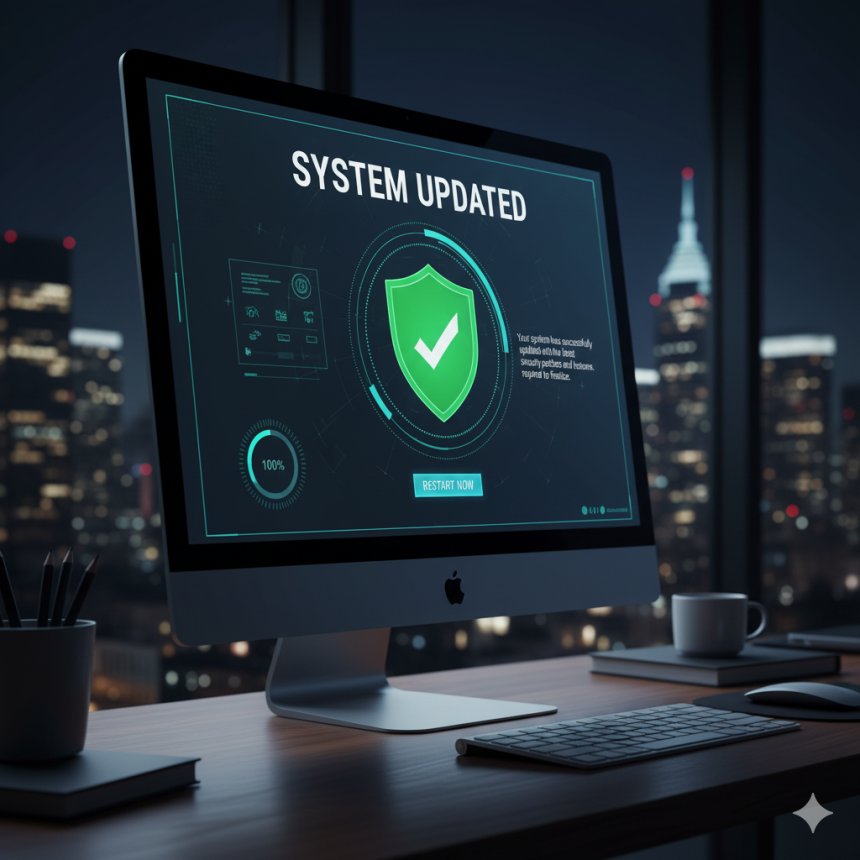
4. Keep Your Software and Operating System Updated:
Software developers constantly release updates that include crucial security patches for newly discovered vulnerabilities. Ignoring these updates leaves you exposed to known exploits.
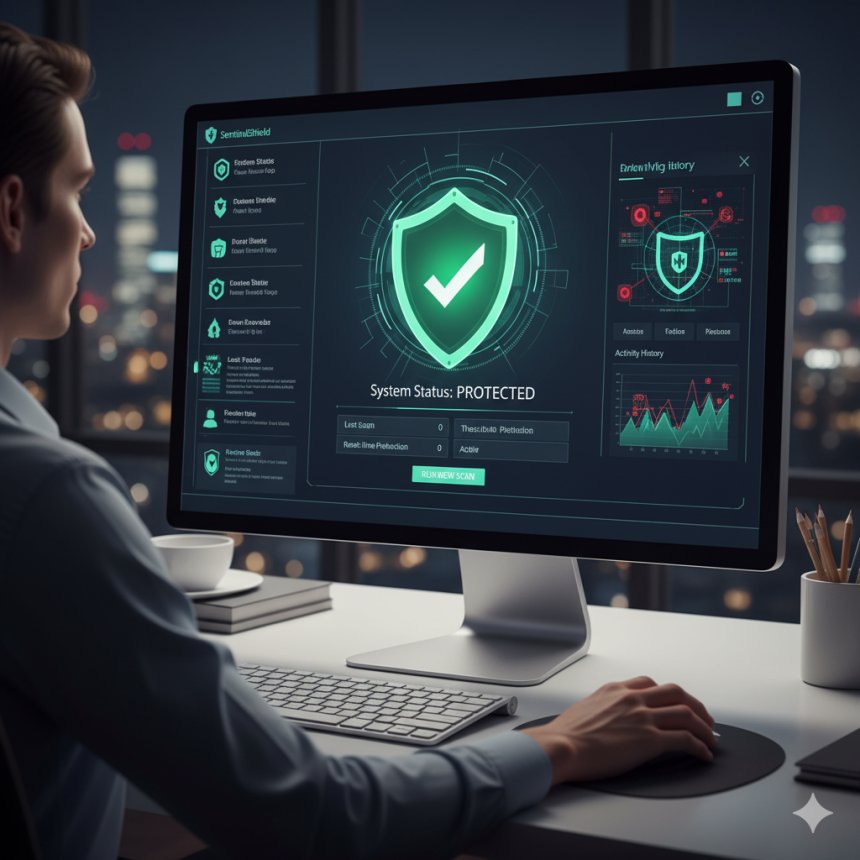
5. Use a Reputable Antivirus/Anti-Malware Program:
While not a complete solution, good antivirus software provides an essential line of defense against known viruses, ransomware, spyware, and other malicious software. Keep it updated and run regular scans.
6. Understand and Manage Your Browser Permissions and Privacy Settings:
Modern web browsers offer a range of privacy and security settings. Take the time to customize them:

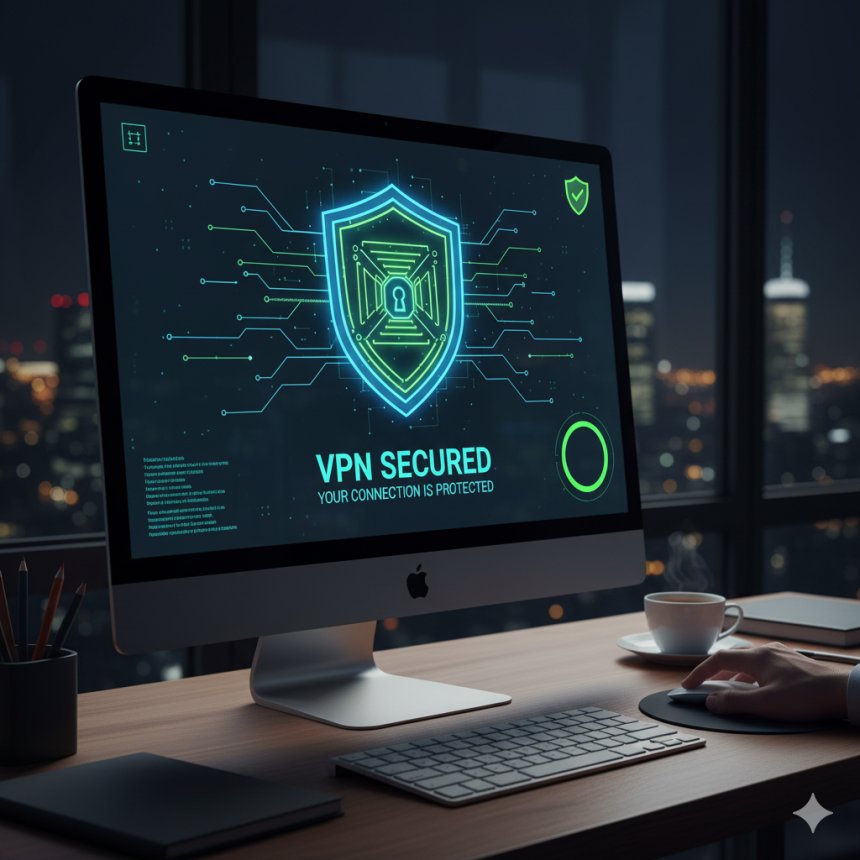
7. Use a Virtual Private Network (VPN) on Public Wi-Fi:
Public Wi-Fi networks (in cafes, airports, hotels) are notoriously insecure. Cybercriminals can easily intercept your data. A VPN encrypts your internet connection, creating a secure tunnel for your data, making it unreadable to anyone trying to snoop.
Every piece of information you post on social media, forums, or websites can be collected and used.

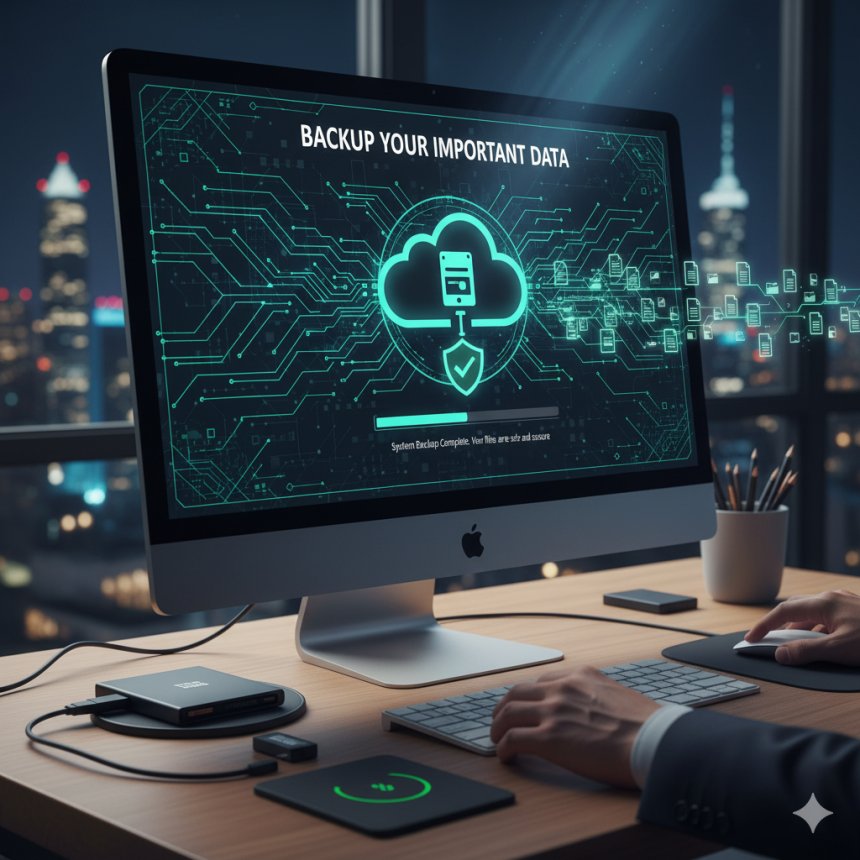
9. Backup Your Important Data Regularly:
In the event of a ransomware attack or data loss, having a recent backup of your files can be a lifesaver. Use cloud services (with encryption) or external hard drives for regular backups.
10. Log Out of Accounts When Not in Use:
Especially on shared or public computers, always log out of your accounts (email, banking, social media) to prevent unauthorized access. Even on your personal devices, logging out of sensitive accounts adds a small but worthwhile layer of security.

By integrating these secure browsing habits into your daily online routine, you significantly reduce your vulnerability to cyber threats and contribute to a safer, more private digital experience. Stay vigilant, stay informed, and browse safely.
 Like
0
Like
0
 Dislike
0
Dislike
0
 Love
0
Love
0
 Funny
0
Funny
0
 Angry
0
Angry
0
 Sad
0
Sad
0
 Wow
0
Wow
0