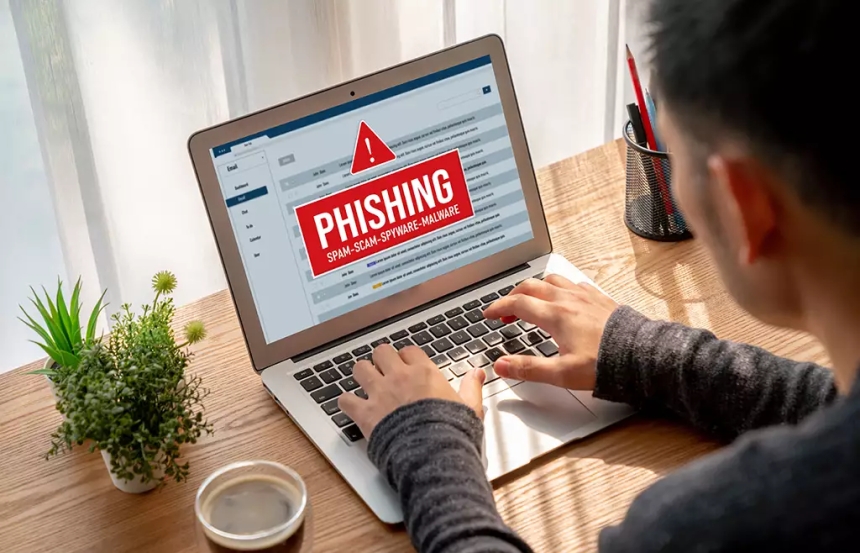
Email scams are one of the most common online threats today. Many scammers use fake warnings about viruses or data loss to frighten users into taking immediate action. These messages are designed to look urgent and convincing, but their true goal is often to steal personal information or money.
A common tactic used in these scams is fear-based language. Emails may claim that a dangerous virus has been detected on the user’s device or that important files are about to be deleted. Phrases such as “Immediate action required” or “Your data is at risk” are meant to create panic so recipients act without thinking carefully.
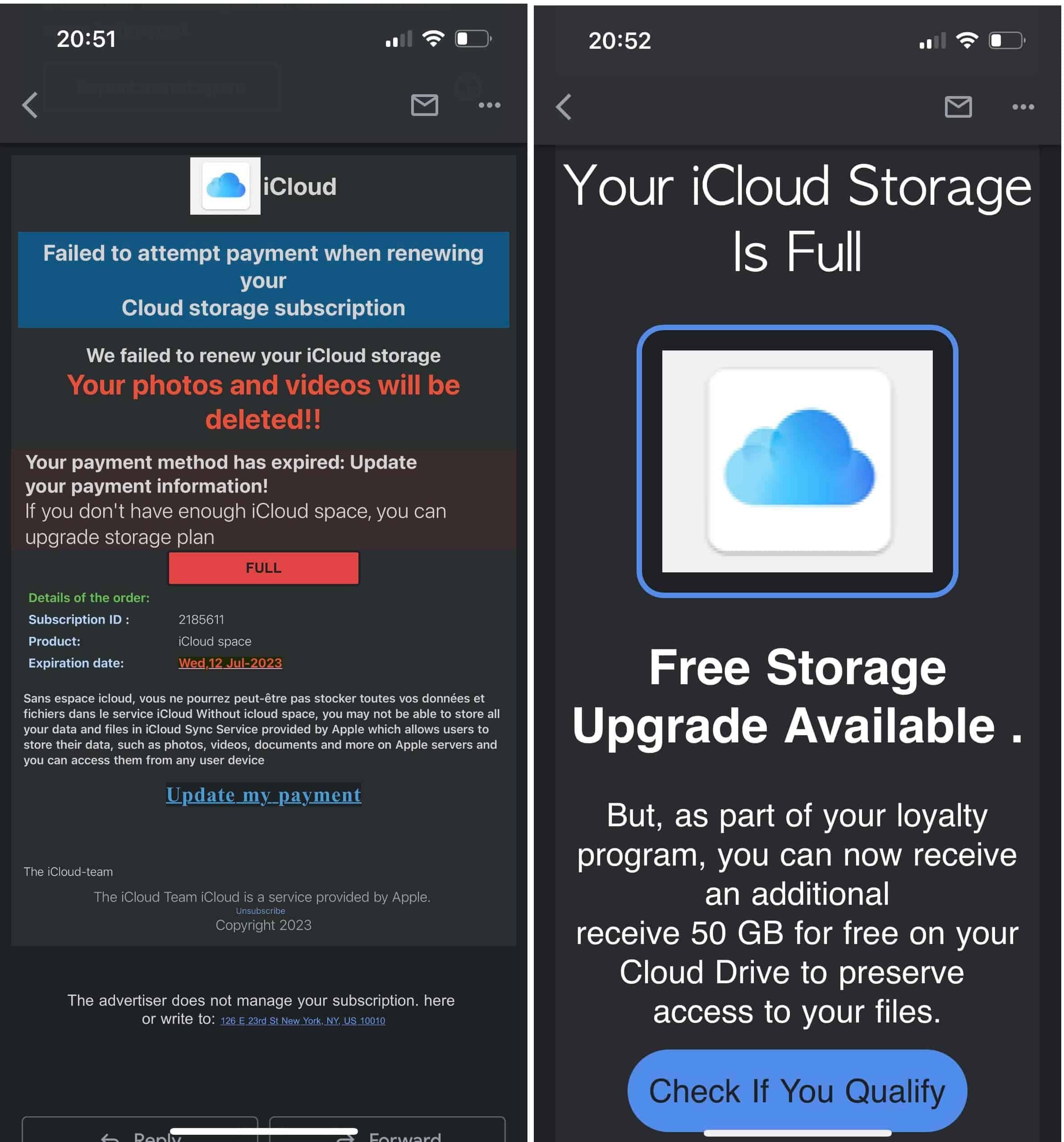
Another strategy is impersonation of trusted companies. Scammers often pretend to be well-known software providers, internet service companies, or security firms. They copy logos, email layouts, and official-sounding language to make the message appear legitimate. This makes it harder for users to recognize the scam at first glance.
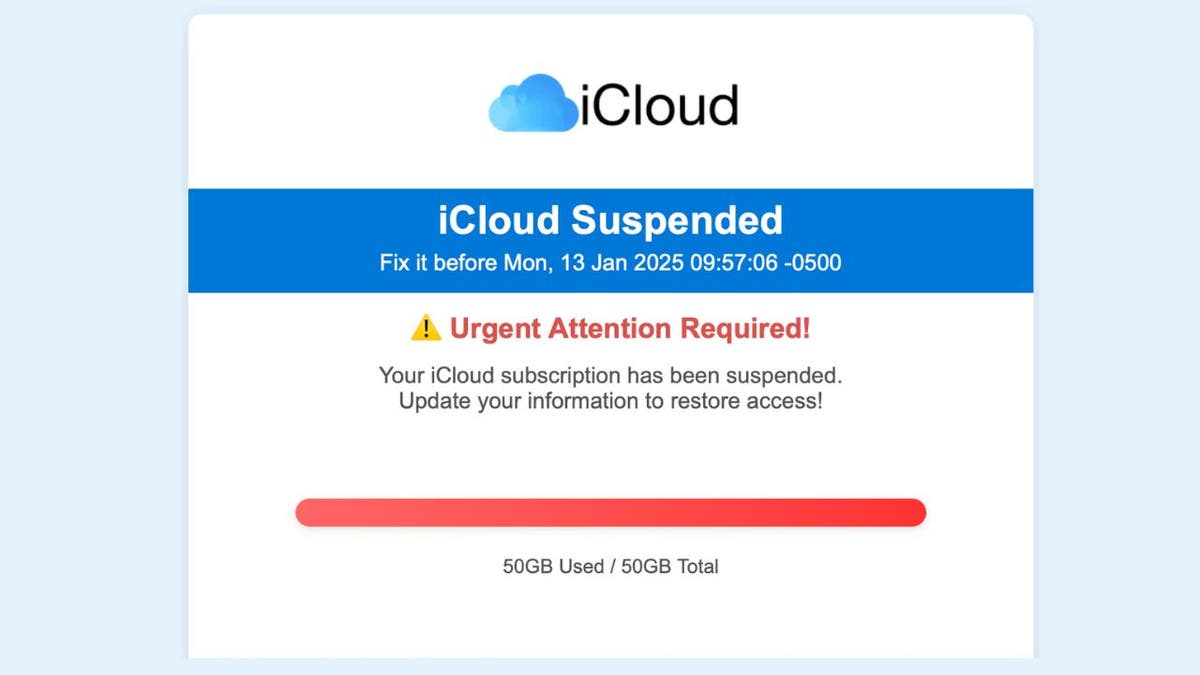
Many of these emails include fake links or attachments. Clicking on them may lead to harmful websites or downloading malicious software. In some cases, users are asked to enter personal information, such as passwords or payment details, which scammers can then misuse.
Email scams also rely on false deadlines. The message may warn that failure to respond within a short time will result in permanent data loss or account suspension. This pressure tactic discourages users from verifying the message or seeking advice.
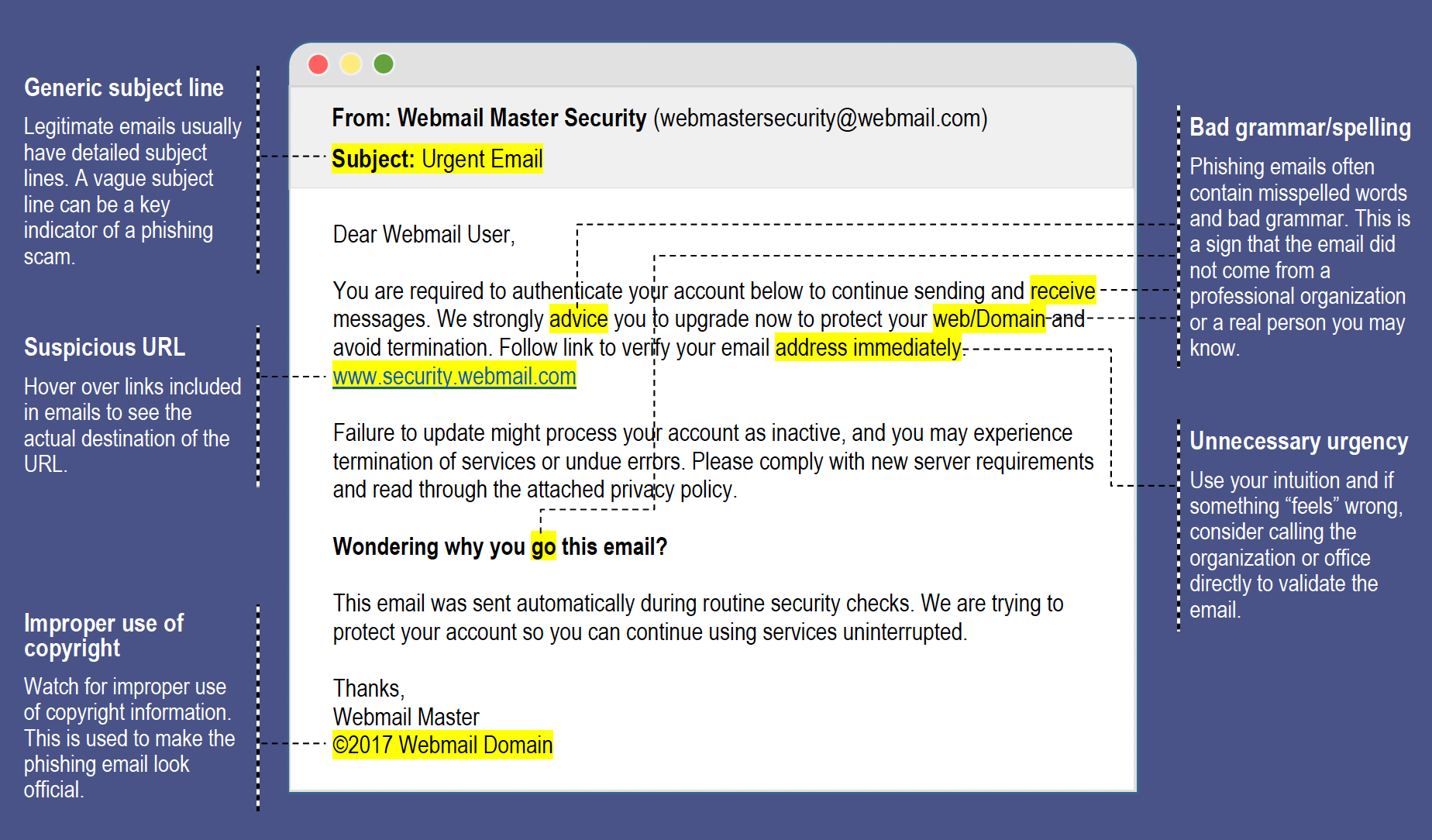
Your email spam filters might keep many phishing emails out of your inbox. But scammers are always trying to outsmart spam filters, so extra layers of protection can help. Here are four ways to protect yourself from phishing attacks.
1. Protect your computer by using security software. Set the software to update automatically so it will deal with any new security threats.
2. Protect your cell phone by setting the software to update automatically. These updates could give you critical protection against security threats.
3. Protect your accounts by using multi-factor authentication. Some accounts offer extra security by requiring two or more credentials to log in to your account. This is called multi-factor authentication. The extra credentials you need to log in to your account fall into three categories:
Multi-factor authentication makes it harder for scammers to log in to your accounts if they do get your username and password.
4. Protect your data by backing it up. Back up the data on your computer to an external hard drive or in the cloud. Back up the data on your phone, too.
To protect against these scams, users should avoid clicking on suspicious links, check the sender’s email address carefully, and use reliable security software. Legitimate companies rarely send virus alerts or demand urgent action through email. When in doubt, it is safer to contact the company directly through its official website.
If you think a scammer has your information, like your Social Security, credit card, or bank account number, go to IdentityTheft.gov. There you’ll see the specific steps to take based on the information that you lost.
If you think you clicked on a link or opened an attachment that downloaded harmful software, update your computer’s security software. Then run a scan and remove anything it identifies as a problem.
Advanced System Repair and PC 1Care do not participate in or tolerate these behaviors. You can immediately report this to our fraud department by sending an email to support@advancedsystemrepair.com so we can investigate and put a stop to these bad actors.
In conclusion, fake virus and data loss warnings in emails are designed to manipulate fear and urgency. By staying informed and cautious, users can recognize these scams and protect their devices and personal information.
For the most reliable protection, your security plan should include the following:
Anti-spam software is designed to protect your email account from phishing and junk emails. Aside from working with pre-defined denylists created by security researchers, anti-spam software has intelligence capabilities to learn, over time, which items are junk and which are not. So while you still should be vigilant, you'll get some comfort from knowing that the software is also filtering out potential trouble. Use anti-phishing protection and anti-spam software to protect yourself when malicious messages slip through to your computer.
Anti-malware is included to prevent other types of threats. Similar to anti-spam software, anti-malware software is programmed by security researchers to spot even the stealthiest malware. With ongoing updates from vendors, the software continues to become more intelligent and better able to deal with the latest threats. By using an anti-malware package, you can protect yourself from viruses, Trojans, worms, and more.
By combining a firewall, anti-spam, and anti-malware into one package, you can provide extra backups that keep your system from being compromised if you do accidentally click on a dangerous link. They are a vital tool to have installed on all your computers, as they are designed to complement common sense.
While technology is a rapidly evolving field, by using a security package from a reputable security vendor, you can secure your devices from phishing and other malware threats.
 Like
1
Like
1
 Dislike
0
Dislike
0
 Love
1
Love
1
 Funny
0
Funny
0
 Angry
0
Angry
0
 Sad
0
Sad
0
 Wow
0
Wow
0