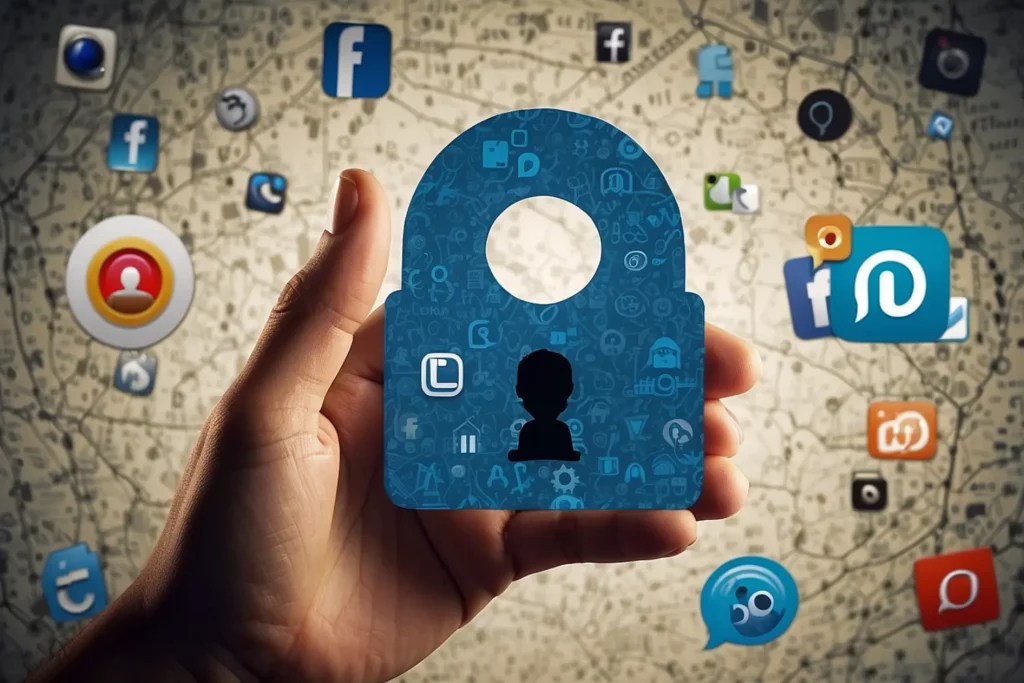
Your profile is often the first thing people see. The information displayed there can reveal more than you think.
Set your profile to private or friends-only. This limits who can view your posts and details.
Hide sensitive data such as your phone number, birthday, or home location. These are common pieces of information used in identity theft or phishing attempts.
Avoid displaying your full birth date — it’s a key detail that hackers use to access personal records or accounts.
CyberShield Tip: Your profile doesn’t need to show everything. Keep it professional but minimal.
Who sees your updates matters. Public posts can be shared, copied, or misused by anyone.
Adjust audience settings so only friends or approved followers can view your posts.
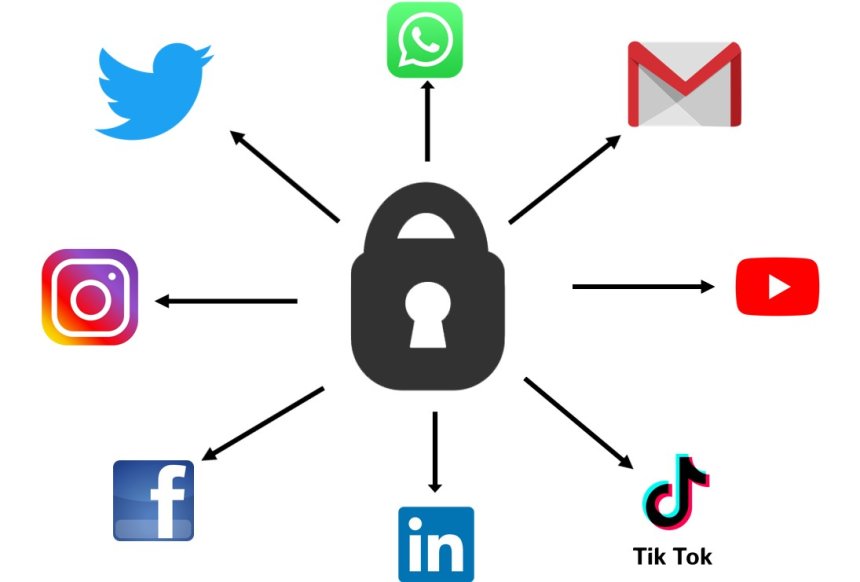
On Facebook, choose “Friends” or create custom lists for selective sharing.
On Instagram and TikTok, set your account to Private, allowing only approved followers to see your content.
For added security, disable the sharing or downloading of your posts and stories.
Pro Tip: Review old posts and change their audience if they were previously public.
Even if you’re careful, others can tag you in photos or posts that you don’t want to be public.
Turn on manual tag review to approve posts before they appear on your profile.
Control who can tag or mention you — restrict it to friends or trusted contacts only.
Regularly check tagged photos and remove anything that could compromise your privacy or reputation.
Geotagging posts may seem harmless, but it can reveal your current or frequent locations — valuable information for scammers or stalkers.
Turn off location tagging in your social media apps.
Disable background location access in your smartphone settings.
Avoid sharing your current location in real time — post updates about your trips after you return.
CyberShield Reminder: Your location is personal data. Protect it like you protect your passwords.
Even strong passwords can be compromised. That’s why enabling additional security layers is essential.
Turn on login alerts to get notified if someone tries accessing your account.
Enable Two-Factor Authentication (2FA) using an authenticator app or SMS verification.
Review active sessions or connected devices and immediately log out of unfamiliar ones.
This is one of the simplest yet most powerful ways to secure your accounts from unauthorized access.
Social media companies collect data to personalize your experience — and advertisements. You can control what data they use.
Review your ad preferences and turn off “interest-based ads.”
Disable “off-platform activity” tracking, which prevents apps and websites from sharing your browsing data with the platform.
Regularly download a copy of your data to see what’s being stored and shared.
Pro Tip: Limiting ad personalization doesn’t just reduce targeted ads — it also limits how much data companies collect about you.
Many users log into other websites or apps using their social media accounts, which grants those apps access to personal information.
Review the list of connected apps and websites in your account settings.
Remove any apps you don’t recognize or no longer use.
Grant permissions only when necessary, and never to unknown developers.
CyberShield Insight: Old or unused app connections are often overlooked entry points for hackers.
Even with strong security, no account is 100% immune from being compromised. Make sure you have a recovery plan.
Keep your email address and phone number updated for recovery notifications.
Add trusted contacts who can help you regain access if locked out.
Use strong, unique passwords for every platform, and change them regularly.
CyberShield Advice: A password manager can help you store and organize your credentials securely.
Many platforms show when you’re online or when you last logged in. While convenient, this can also invite unwanted attention.
Turn off “Active Status” or “Last Seen” features if you prefer privacy.
Disable read receipts for messages when possible.
Control who can see your activity or status updates.
Social media platforms frequently update their privacy features, sometimes resetting your preferences.
Schedule a privacy checkup every few months.
Review your settings, delete unused apps, and tighten permissions.
Stay updated on new privacy policies and terms of service changes.
CyberShield Reminder: Privacy is not a one-time setup — it’s an ongoing habit.
Your online privacy is your responsibility. Every setting you configure strengthens your digital defense against scams, data leaks, and identity theft. By regularly reviewing your social media privacy settings, you can enjoy the benefits of online interaction without exposing yourself to unnecessary risks.
At CyberShield Software, we believe that awareness is the first step toward protection. Empower yourself with the knowledge and tools to keep your personal information safe — because your privacy deserves to be shielded.
CyberShield Software Editorial Team
CyberShield Software is committed to helping individuals and businesses protect their data, enhance digital security, and build safer online experiences. Our experts share up-to-date insights, privacy tips, and cybersecurity solutions to keep you protected in today’s connected world.
Stay one step ahead of online threats.
👉 Visit CyberShieldSoftware.com for more guides, privacy tools, and cybersecurity insights.
Follow us on social media to stay updated with the latest digital safety news and expert advice.
 Like
0
Like
0
 Dislike
0
Dislike
0
 Love
0
Love
0
 Funny
0
Funny
0
 Angry
0
Angry
0
 Sad
0
Sad
0
 Wow
0
Wow
0