When you open a private or incognito window, it can feel like you’ve stepped into a secret corner of the internet — one where your actions disappear the moment you close the tab. Many people assume that using private browsing mode keeps them completely anonymous online.
But is that really true?
Let’s take a closer look at what private browsing actually does — and what it doesn’t.
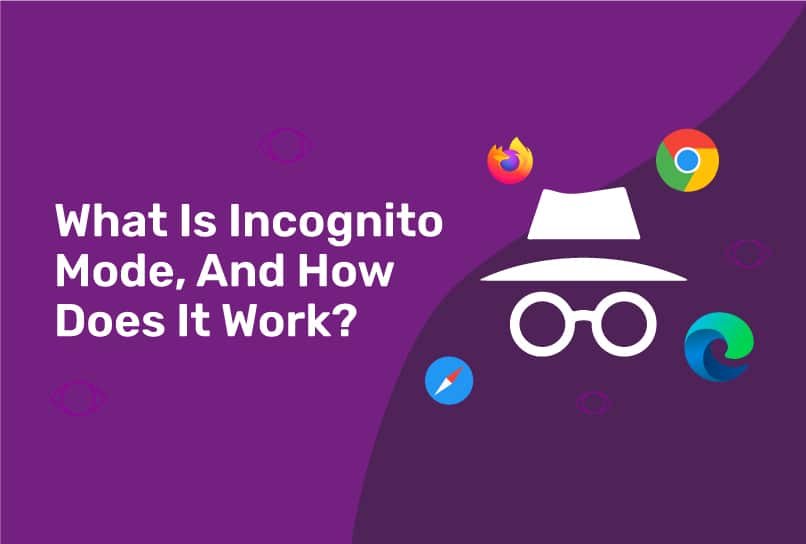
Private browsing, also known as Incognito Mode (in Chrome), Private Window (in Firefox), or InPrivate Browsing (in Edge), is designed to give users a temporary, local privacy boost.
When you browse in this mode, your browser:
Doesn’t save your browsing history.
Doesn’t store cookies, cache, or form data once the session is closed.
Prevents saved logins and autofill details from being stored.
In other words, it keeps your browsing activity hidden from other users on your device. It’s particularly useful when you:
Share a computer or device with others.
Want to log into multiple accounts simultaneously.
Shop for gifts or make private searches without leaving digital traces.
However, this privacy protection only works locally — meaning, it only hides your activity from people who have physical access to your device.
Despite its name, private browsing doesn’t make you truly invisible online. Your activity is still visible to:
Your Internet Service Provider (ISP) — they can still track which websites you visit.
Your employer or school network — if you’re on a managed network, they may log your online activity.
Websites themselves — which can track your IP address, behavior, and sometimes even your location.
Downloads and bookmarks also remain on your system, even after you close the private window.
So, while private browsing helps maintain privacy on your device, it doesn’t shield you from online surveillance, advertising trackers, or cyber threats.
If you want real online anonymity and protection, private browsing alone isn’t enough. Combine it with these privacy tools and habits:
Use a VPN (Virtual Private Network)
A VPN masks your IP address, encrypts your data, and makes it harder for third parties to monitor your online activity.
Switch to Privacy-Focused Search Engines
Instead of relying on engines that collect user data, try DuckDuckGo or Startpage, which don’t track your searches.
Install Privacy and Security Software
Tools like Cyber Shield Software add an essential layer of protection by blocking malicious websites, ads, and trackers that can expose your information.
Regularly Clear Your Browser Data
Even outside of private mode, clearing cookies and cache can help minimize data collection.
Stay Informed About Browser Permissions
Limit sites’ access to your location, camera, and microphone.
Private browsing is a helpful feature — especially for keeping your local activity confidential — but it’s not a complete privacy solution. Think of it as a curtain, not a wall: it hides what’s on your side of the window, but the outside world can still see through.
To browse safely and confidently, use private mode alongside powerful privacy tools like Cyber Shield Software. With the right combination of features — VPN protection, tracker blocking, and real-time security — you can truly stay private, secure, and in control of your digital life.
 Like
0
Like
0
 Dislike
0
Dislike
0
 Love
0
Love
0
 Funny
0
Funny
0
 Angry
0
Angry
0
 Sad
0
Sad
0
 Wow
0
Wow
0