šŸŽ¬ Streaming Privacy 101: How Safe Are You When Watching Online?
Learn how streaming platforms track your data and how to protect your privacy while watching movies, shows, and live content. This guide explains the risks behind smart TVs, IP tracking, and cross-app monitoring—and offers practical steps to stay safe using VPNs, privacy settings, and secure accounts.
šŸŽ¬ Streaming Privacy 101: How Safe Are You When Watching Online?
Written by : Frans - Cybersecurity Expert
Published on 2025-11-25 / 04:17

In today’s entertainment-on-demand world, streaming movies, TV shows, live events, and music have become the new normal. But while streaming feels effortless and convenient, it opens the door to a surprising number of privacy risks you may not even realize.

From tracking your viewing habits to collecting device information, most platforms gather huge amounts of user data—and often share it with advertisers or third-party partners.

This article breaks down how streaming platforms track you, what risks you should be aware of, and the steps you can take to protect your privacy while still enjoying your favorite shows.


šŸ“” How Streaming Platforms Track You

Most users don’t read privacy policies, so they rarely realize just how much information their streaming services gather. Here’s what happens behind the scenes:

1. Viewing History & Preferences

Platforms track:

  • Every movie or episode you watch
  • How long do you watch
  • What you skip, pause, or rewatch
  • Your search terms

This is used to build a behavioral profile that improves recommendations—but also feeds advertising systems.


2. Device & Network Data

Your streaming apps often collect:

  • IP address
  • Device model
  • Operating system
  • Location (sometimes precise GPS)
  • Network type (Wi-Fi, mobile data, etc.)

This allows platforms to identify your device even if you’re not logged in.


3. Advertising IDs & Cross-App Tracking

Many free and paid streaming apps participate in:

  • Cross-app tracking
  • Third-party analytics
  • Ad personalization networks

This means what you watch may influence the ads you see onĀ social media, browsers, and other apps.


4. Smart TVs: The Biggest Privacy Culprit

Smart TVs often run:

  • Automatic content recognition (ACR)
  • Always-on data collection
  • Micro-tracking of what passes on screen

Some TVs even scan content from external devices (like consoles or USB drives).


🚨 The Hidden Risks of Streaming Privacy Leaks

Data collected from streaming may seem harmless, but it can create problems such as:

1. Targeted Advertising & Profiling

Your preferences may be used to shape:

  • Political ads
  • Behavior-based marketing
  • Personality predictions

This builds a digital persona that companies can manipulate.
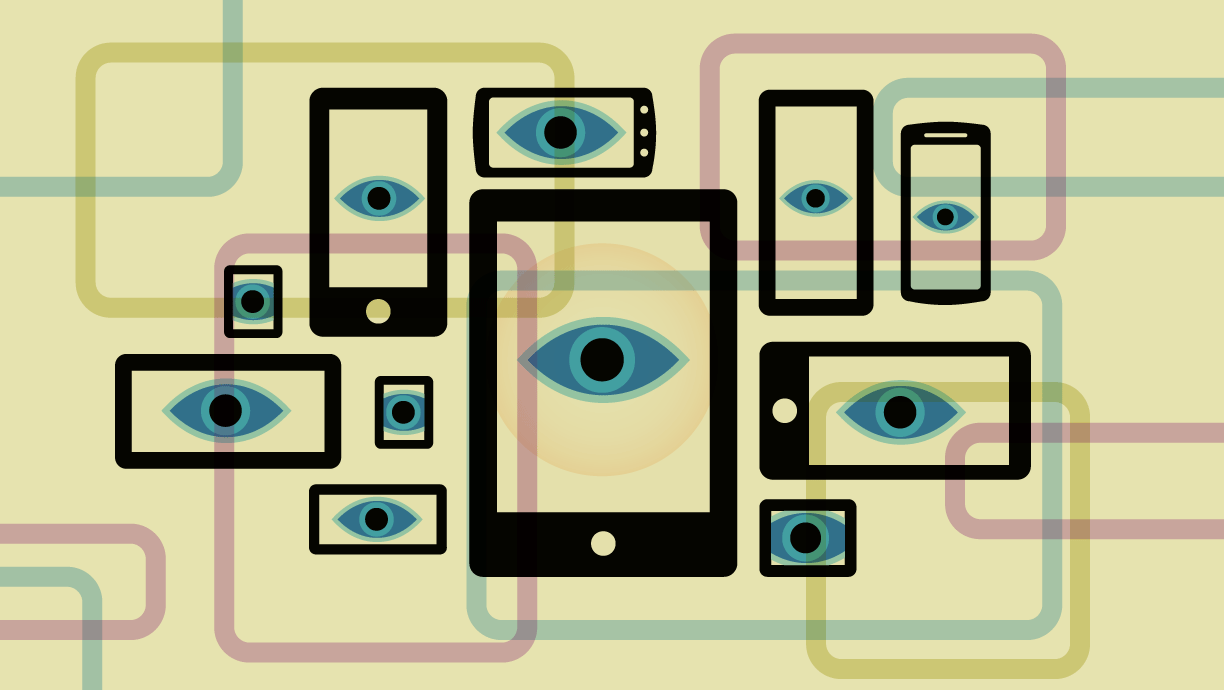
How to Disable Ad ID Tracking on iOS and Android, and Why You Should Do It  Now | Electronic Frontier Foundation


2. Location Exposure

Your IP address can reveal:

  • Approximate physical location
  • Service provider info
  • Network vulnerabilities

Perfect for:

  • Region restrictions
  • Ad targeting
  • Potential cyber risks

3. Account Hacking

Streaming accounts are popular targets for:

  • Credential stuffing
  • Shared account reselling
  • Unauthorized device access

Weak security settings make you an easy target.


4. Loss of Anonymity

Your streaming habits can reveal:

  • Personal interests
  • Political leaning
  • Religious preferences
  • Financial status

These insights are incredibly valuable to advertisers—and sometimes harmful.


šŸ” How to Protect Your Privacy While Streaming

Here are effective, practical steps you can take today:


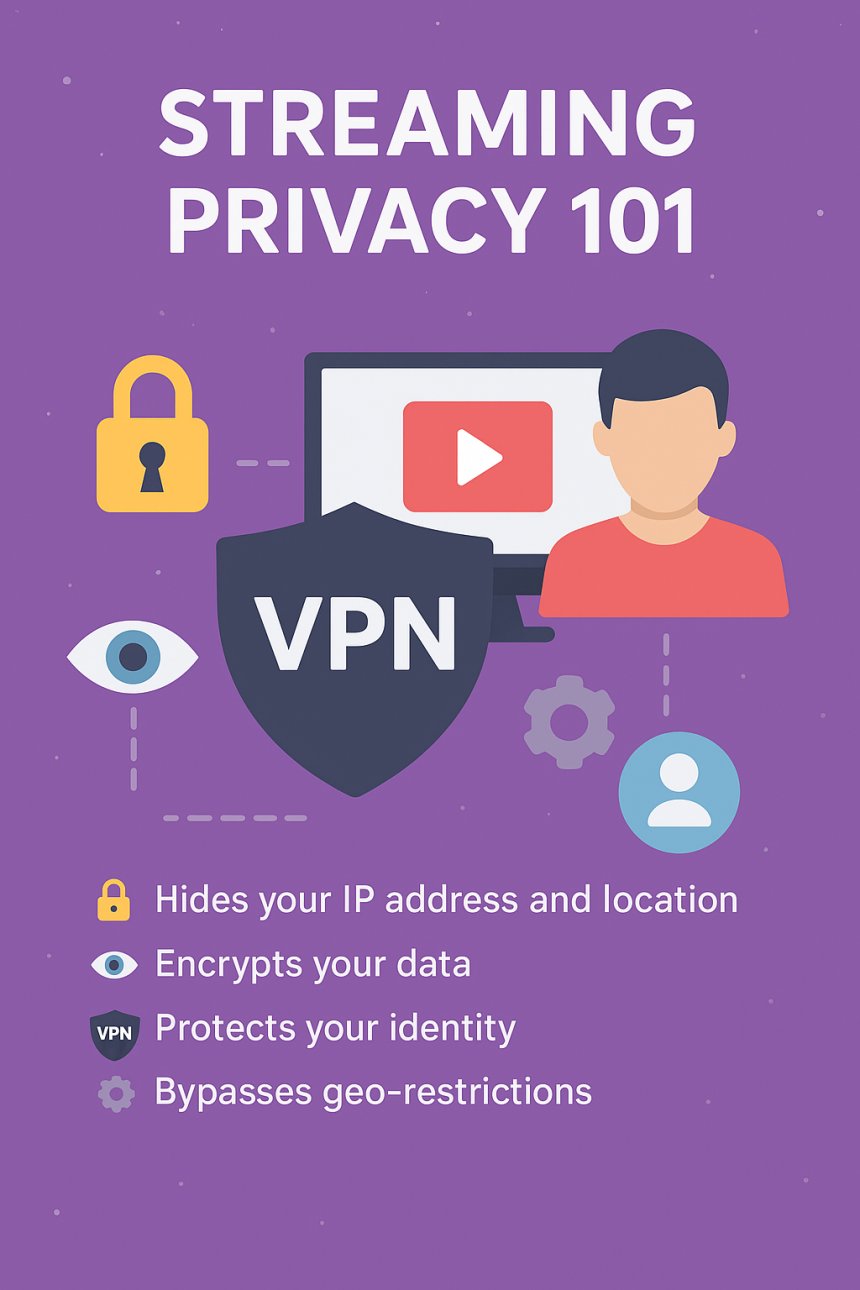
šŸ›”ļø 1. Use a VPN When Streaming

A VPN hides:

  • Your real IP
  • Your location
  • Your device identity
  • Your traffic from your ISP

This prevents tracking from advertisers, hackers, and even streaming platforms.

Choose a VPN with:

  • No logs
  • High-speed streaming servers
  • DNS leak protection
  • Kill switch

āš™ļø 2. Adjust Streaming App Privacy Settings

Most apps allow you to:

  • Turn off tailored ads
  • Disable viewing history
  • Reset recommendations
  • Prevent cross-platform tracking

Check the settings in:

  • Netflix
  • Disney+
  • YouTube
  • Amazon Prime Video
  • Hulu
  • Spotify

Every small change increases your privacy.

How To Change Your Privacy Settings for a Safer Online Experience | All  About Cookies


šŸ“ŗ 3. Disable Tracking on Smart TVs

Turn off:

  • ACR tracking
  • Personalized advertising
  • App permissions you don’t need
  • Voice/microphone access

You’ll usually find these settings under:
Privacy → Viewing Data → ACR / Interest-Based Ads


šŸ—‘ļø 4. Delete or Reset Your Watch History

Regularly clear:

  • Watch history
  • Search history
  • Continue-watching lists
  • Recommendation data

This reduces behavioral profiling.

Browsing History How To Reset Your History Smart Tv Clear Browsing History  Watch History How To


šŸ”’ 5. Use Strong Account Security

Protect your accounts with:

  • Unique passwords
  • 2FA / OTP login
  • Login alerts
  • Logged-in device review

This minimizes risk if your credentials leak.


āŒ 6. Avoid Using Social Login (Facebook/Google)

Using social accounts connects all your data, letting platforms join:

  • Your identity
  • Your interests
  • Your viewing habits
  • Your browsing behavior

Always choose email login instead.


šŸŽ„ Final Thoughts: Enjoy Streaming Without Giving Away Your

Ā Privacy

Streaming should be enjoyable, relaxing, and safe—not a hidden way for companies to track your life. While data collection is common, you can take control with a few simple tools and settings.

By using:
āœ” A VPN
āœ” Privacy settings
āœ” Smart TV tracking controls
āœ” Strong security
āœ” Minimal data sharing

—You can enjoy your favorite content without sacrificing your privacy.

What's Your Reaction?

Like Like 0
Dislike Dislike 0
Love Love 0
Funny Funny 0
Angry Angry 0
Sad Sad 0
Wow Wow 0