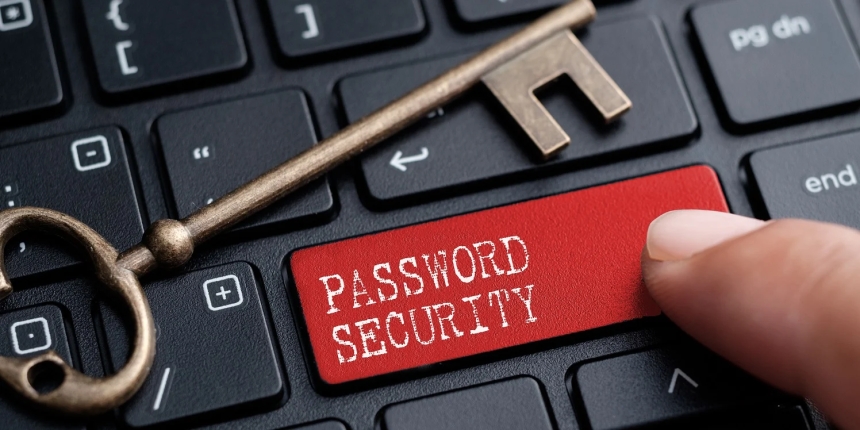
In today’s hyper-connected world, passwords are the first and often the only line of defense between your personal data and cybercriminals. From social media and email to banking, shopping, and work accounts—every login is an opportunity for hackers to break in if your password isn’t strong enough.
This guide will walk you through everything you need to know about password security: why strong passwords matter, how cybercriminals crack them, the science behind a secure password, and practical strategies for keeping your digital identity safe.
With over 2,200 cyberattacks occurring every day, weak passwords remain one of the top reasons accounts get compromised.
Identity theft
Unauthorized access to bank accounts
Email hijacking
Social media impersonation
Ransomware attacks
Unauthorized purchases or fund transfers
Cybercriminals no longer manually guess passwords—modern tools can crack millions of combinations per second. That’s why password security is no longer optional—it’s essential.
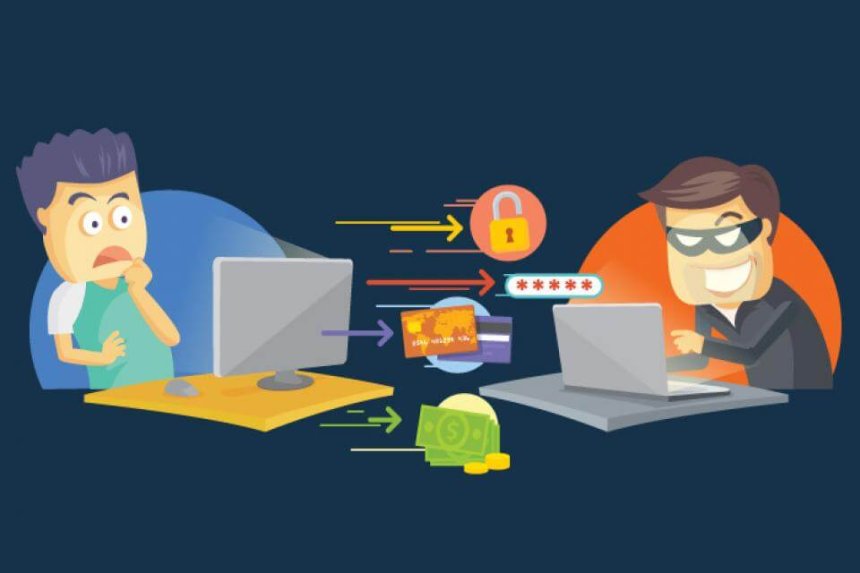
Understanding how passwords get hacked will help you avoid common mistakes.
Hackers try every possible password combination until they get in.
Weak passwords like “123456” or “password” are cracked in seconds.
These use lists of words, names, and common phrases.
If your password is a real word, it’s vulnerable.
Leaked emails/passwords from previous data breaches are used to try logging into other accounts.
Fake emails, websites, or messages trick users into giving away passwords.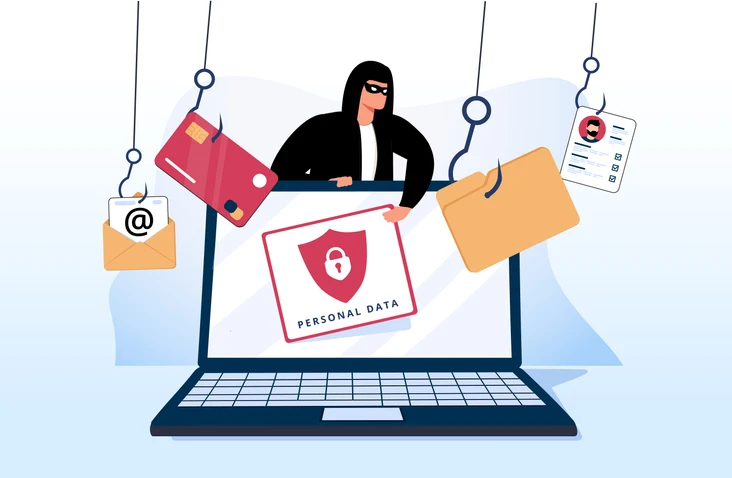
Malware secretly records your keystrokes, including passwords.
Someone simply watches you type your password—from behind or through a camera—still one of the easiest hacking methods.
A strong password must be:
At least 12–16 characters.
Use uppercase, lowercase, numbers, and special symbols.
No real words, birthdays, pet names, or keyboard sequences.
Never reuse passwords across different accounts.
Example method: Passphrase Strategy
“Sunset!Coffee$BlueSky%Travel2025”
Below are the most effective and practical strategies for everyday users and professionals.
Password managers:
Generate strong, random passwords
Store them securely
Auto-fill login details
Reduce risk of password reuse
Trusted options include Bitwarden, 1Password, and LastPass.
2FA adds an extra layer of security—something you have, not just something you know.
Best forms of 2FA:
Authenticator apps (Google Authenticator, Authy)
Hardware keys (YubiKey)
SMS codes (least secure but better than nothing)
If one website gets hacked, all your accounts become vulnerable.
Unencrypted notes, screenshots, or browser auto-fills can be stolen easily.
Especially for:
Email accounts
Banking or financial apps
Social media
Work accounts
Every 3–6 months is a good cycle.
Avoid clicking suspicious links from emails, SMS, or social media.
Always double-check:
URL spelling
Sender’s address
Unexpected login warnings
A strong password is useless if your device is compromised.
Use:
Device lock screens
Updated antivirus
System updates
Secure Wi-Fi (avoid public networks)
123456
qwerty
welcome2024
iloveyou
admin123
password!
G!4t%Wn2#RkL9m@5
Sunset!Crown37*Galaxy
T0rnado$Coffee!Edge910
Firefly_River^Moon2025
Take action immediately:
Change the affected password
Enable 2FA
Log out from all devices
Check account activity
Update passwords on other accounts if reused
Run antivirus scans
Your passwords are keys to your digital identity—treat them with the same security you’d give your house keys or bank PIN. Cybersecurity threats are always evolving, but strong password habits provide powerful protection.
A secure password today could prevent a major digital disaster tomorrow.
 Like
0
Like
0
 Dislike
0
Dislike
0
 Love
0
Love
0
 Funny
0
Funny
0
 Angry
0
Angry
0
 Sad
0
Sad
0
 Wow
0
Wow
0