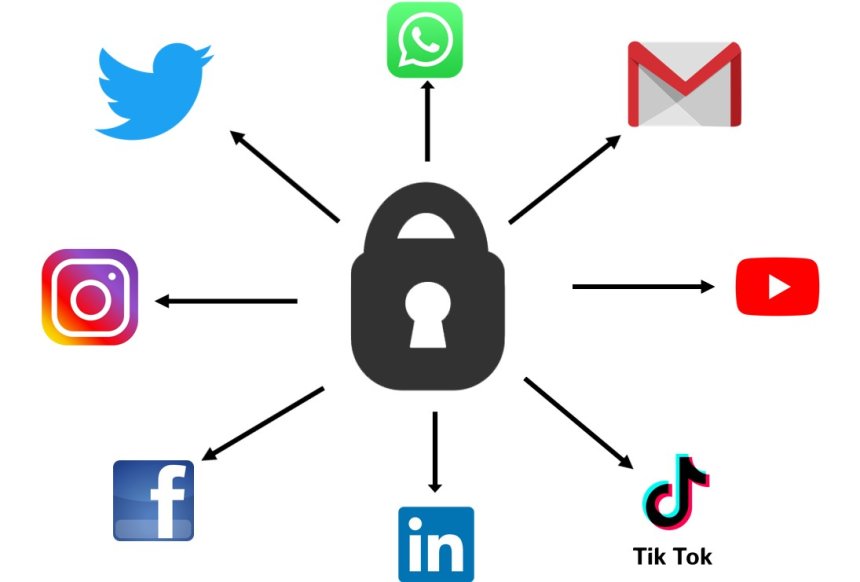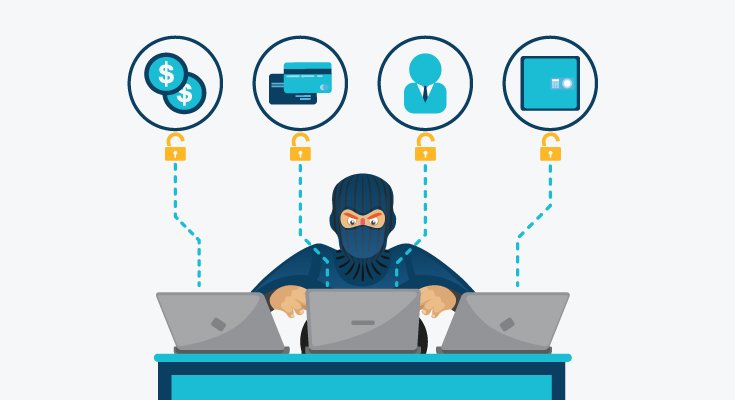
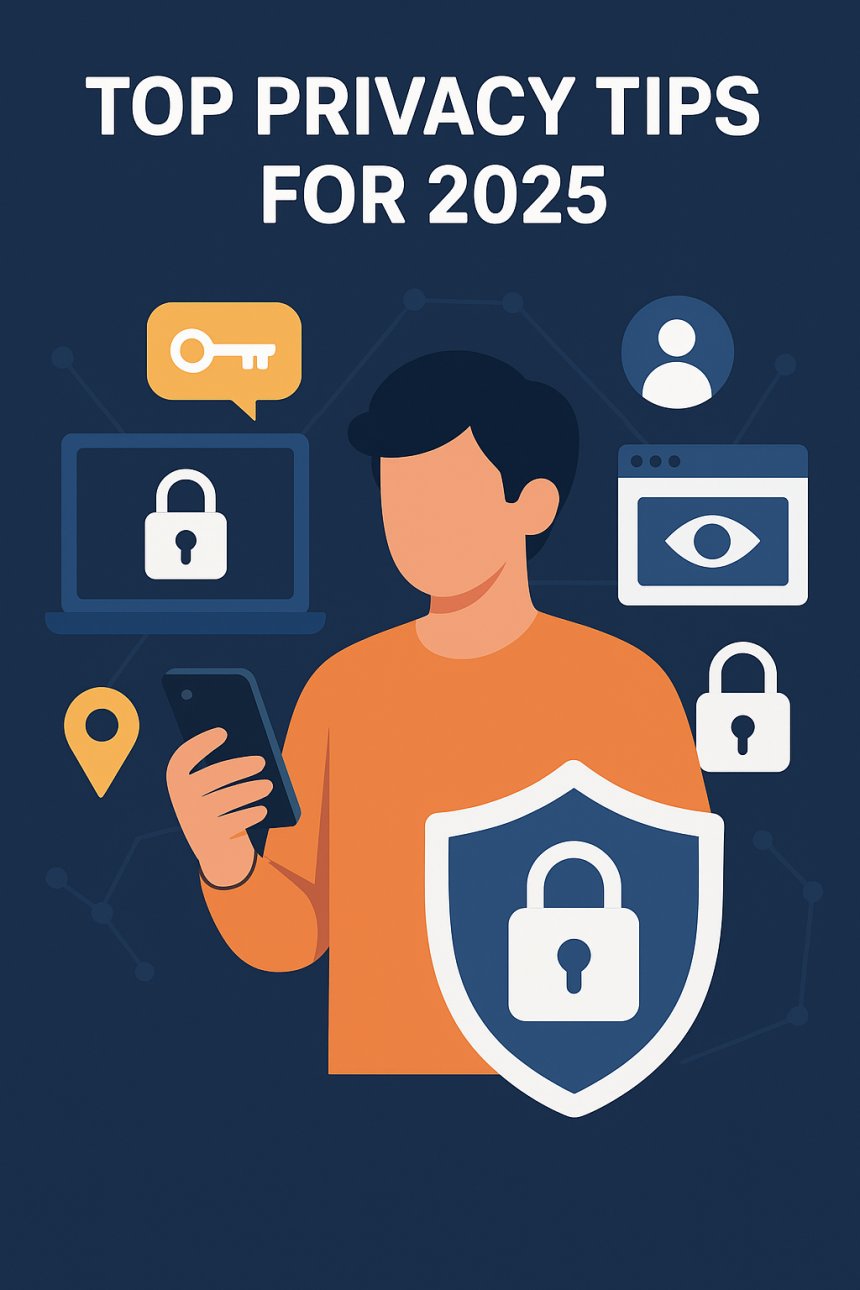
In today’s world, every click, swipe, and search adds to your digital footprint. Companies track your habits, apps collect your location, websites gather your behavior, and cybercriminals are constantly searching for vulnerabilities.
The truth is simple: privacy is no longer automatic—you must defend it.
This guide breaks down the most essential privacy tips to protect your identity, data, and online life in 2025. Whether you’re a casual user or a tech-savvy professional, these strategies will help you stay safe in an era where privacy is increasingly rare.
Your digital footprint includes everything the internet knows about you—social media posts, old accounts, online shopping habits, past emails, and even comments from years ago.
Delete old, unused accounts (use tools like JustDelete.me).
Remove outdated posts that reveal too much.
Regularly Google your name to see what’s publicly available.
Avoid oversharing on social media—especially personal info like travel dates, birthday details, or ID numbers.
The less personal data online, the harder it is for cybercriminals to exploit you.
Your phone is a tracking device in your pocket. Apps collect:
Location
Contacts
Microphone access
Camera access
Browsing behavior
Turn off location access for apps that don’t need it.
Disable background app activity.
Restrict camera and microphone permissions.
Activate App Tracking Transparency (iOS) or Privacy Dashboard (Android).
Use strong screen locks and biometric security.
Your phone is the number one target—protect it more than your laptop.
The biggest privacy disasters happen due to weak or reused passwords.
Use a password manager (Bitwarden, 1Password, NordPass)
Enable two-factor authentication (2FA) everywhere
Avoid personal information in passwords (names, birthdays, etc.)
Never reuse passwords across accounts
A strong password is your first line of defense.
Your browser is the window the internet sees you through—and it collects a LOT.
Brave (excellent tracking protection)
Firefox (customizable and open-source)
Tor Browser (maximum anonymity)
Block third-party cookies
Enable tracking protection
Use incognito mode when needed
Your browser should respect your privacy—not sell it.
A VPN encrypts your internet connection and hides your IP address, making it harder for trackers, hackers, and even internet providers to see what you're doing.
Use a VPN for:
Public Wi-Fi
Online banking
Streaming
Preventing ISP tracking
Masking your location
A VPN isn’t just for tech experts—it’s essential for everyone.
Oversharing is one of the biggest privacy risks today.
Exact location or real-time check-ins
Private documents
Sensitive personal details
Travel plans
Financial information
Criminals and scammers scan social media daily for victims.
Your email is the gateway to your entire digital identity. If someone hacks it, they can reset every password you own.
Use separate emails for banking, subscriptions, and personal use
Turn on 2FA
Avoid clicking suspicious links
Use aliases or burner emails for sign-ups
Treat your email like a treasure chest—because it is.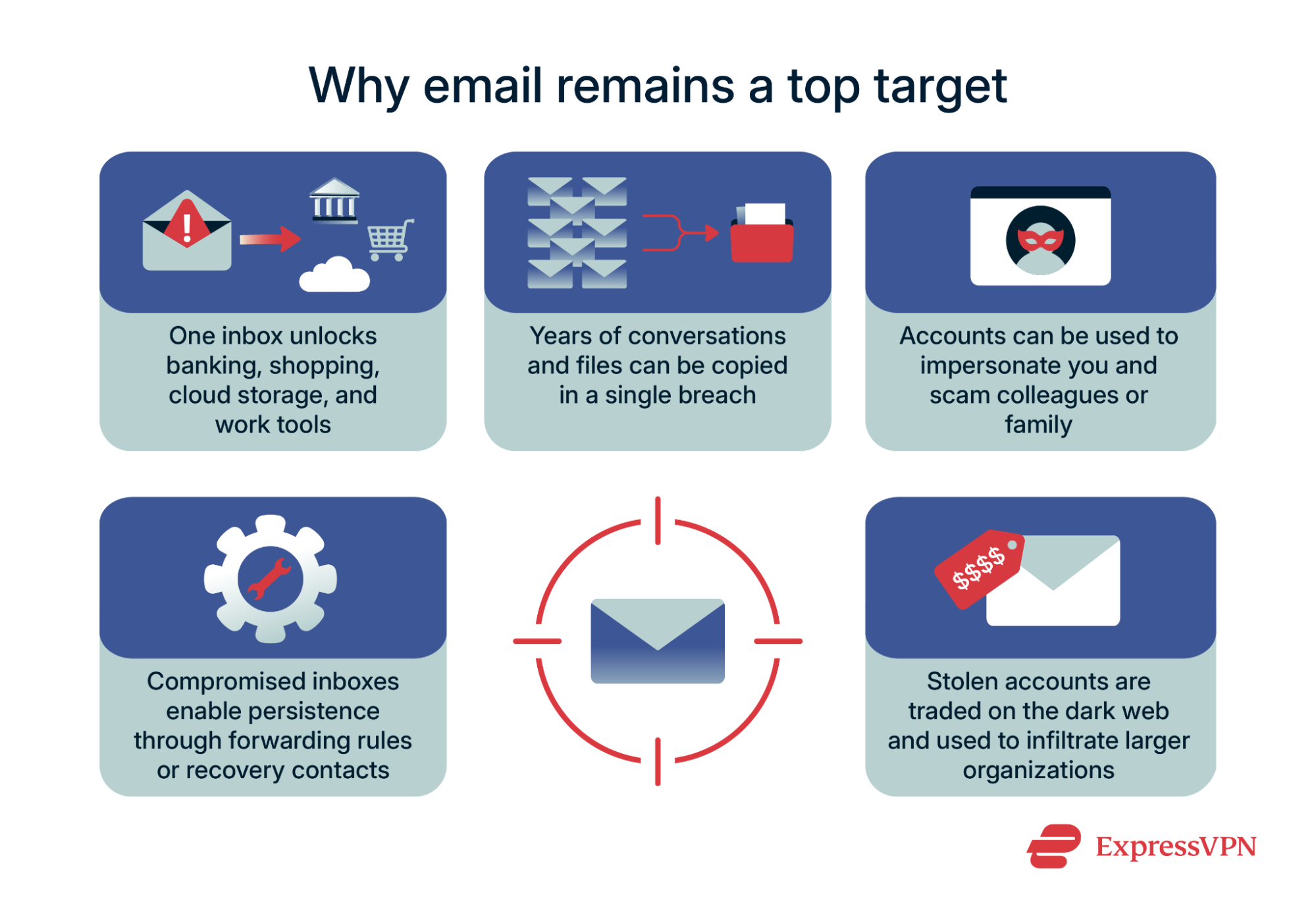
Even the biggest companies get hacked.
Use tools like:
HaveIBeenPwned
Firefox Monitor
Dark Web monitoring (via Google, Norton, or your password manager)
If your data was leaked:
Change your password immediately
Enable 2FA
Watch for suspicious activity
Your data will be stolen eventually—what matters is your response.
Many apps silently collect data in the background.
Delete apps you don't use
Remove browser extensions you don’t recognize
Check what permissions each app has
Clear app cache and browsing data
Less clutter = fewer privacy risks.
AI tools collect massive amounts of information to personalize your experience.
Limit data-sharing with AI assistants
Turn off voice history
Delete stored recordings
Review what AI apps store about you
AI is useful—but you must understand what it collects.
Most cyberattacks start with a simple message:
“Click this.”
Ignoring suspicious links
Avoiding random downloads
Validating sender emails
Being cautious with unexpected “password reset” messages
Hackers don’t break in—they log in.
Encryption protects your messages and files from unwanted access.
Signal
Telegram (secret chats)
ProtonMail
Proton Drive / Mega
When your data is encrypted, even service providers can’t read it.
Protecting your privacy doesn’t require extreme measures—just consistent action.
By updating your settings, being mindful of what you share, and using privacy tools, you can significantly reduce your risk in a digital world where your information is constantly being tracked.
Start with small steps.
Build better digital habits.
Protect your online life—because no one else will do it for you.
 Like
0
Like
0
 Dislike
0
Dislike
0
 Love
0
Love
0
 Funny
0
Funny
0
 Angry
0
Angry
0
 Sad
0
Sad
0
 Wow
0
Wow
0