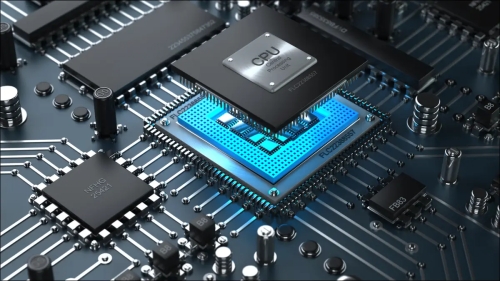
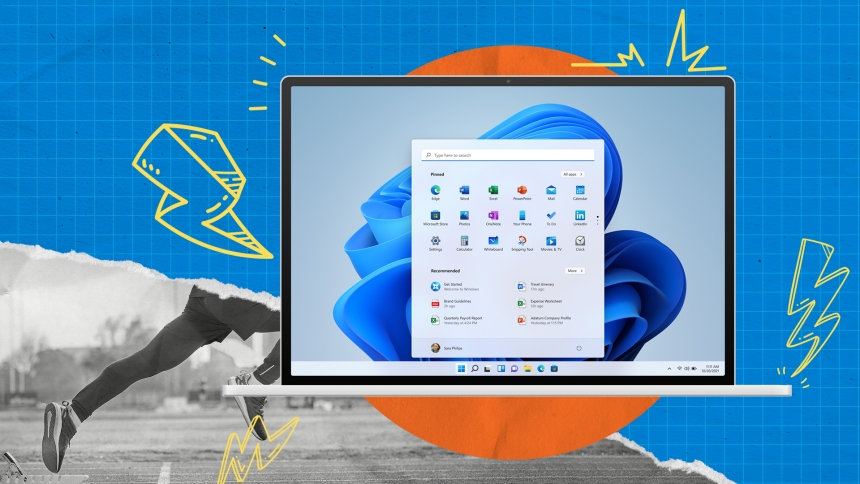
Maintaining your computer's speed is crucial to ensure it runs efficiently and effectively over time. Like any machine, your computer requires regular maintenance to prevent slowdowns and keep it operating at its best. This maintenance can range from simple tasks like keeping your software up to date to more advanced procedures such as managing your computer's resources. By taking proactive steps, you can help extend the lifespan of your computer, save time and frustration with sluggish performance, and enjoy a smoother computing experience. In this article, you'll learn about various preventive measures that can help maintain your computer's speed.
Regular cleaning of your computer's hardware can prevent dust buildup, which can lead to overheating and reduced performance. Make sure to turn off and unplug your computer before gently cleaning the exterior with a soft cloth. Use compressed air to blow dust out of the keyboard and ports. For internal components like the fan and heatsink, carefully open the case if you're comfortable doing so and use compressed air to remove dust. This helps maintain proper airflow and cooling, which is essential for keeping your computer running smoothly.

Keeping your software updated is a key preventive measure for maintaining speed. Software developers release updates that often include performance enhancements and security patches. Regularly check for updates for your operating system, applications, and drivers. Enable automatic updates if available, as this will ensure you receive the latest improvements without having to remember to check manually. Outdated software can slow down your computer and make it more vulnerable to security risks.
Managing the programs that launch at startup can significantly improve your computer's boot time and overall speed. Many applications are configured to start automatically when your computer turns on, which can cause unnecessary strain on system resources. To manage startup programs, access the Task Manager by pressing Ctrl+Shift+Esc , and navigate to the 'Startup' tab. From there, you can disable programs that you don't need immediately upon booting. This will free up resources and help your computer start faster.
Defragmenting your hard drive can boost the speed of data access. Over time, files can become fragmented, meaning their parts are scattered across the drive. This causes your computer to work harder to piece them together when needed. However, defragmentation is only necessary for traditional hard disk drives (HDDs) and not for solid-state drives (SSDs), which store data differently. To defragment an HDD, use the built-in defragmentation tool in your operating system, which can usually be scheduled to run automatically at regular intervals.
Limiting the number of programs you run simultaneously can prevent your computer from becoming bogged down. Each open application uses a portion of your system's resources, such as memory (RAM) and processing power (CPU). When too many applications are running, your computer can slow down as it struggles to allocate resources effectively. Try to focus on one task at a time, closing programs you're not using, to keep your computer running swiftly.
Performing regular scans for malware and viruses is vital for maintaining your computer's performance. Malicious software can consume system resources and slow down your computer. Use reputable antivirus software to scan your system regularly and remove any threats. Additionally, consider running a scan with a trusted anti-malware program as an extra layer of protection. Keeping your antivirus software up to date ensures it can recognize the latest threats and provide the best defense for your computer.
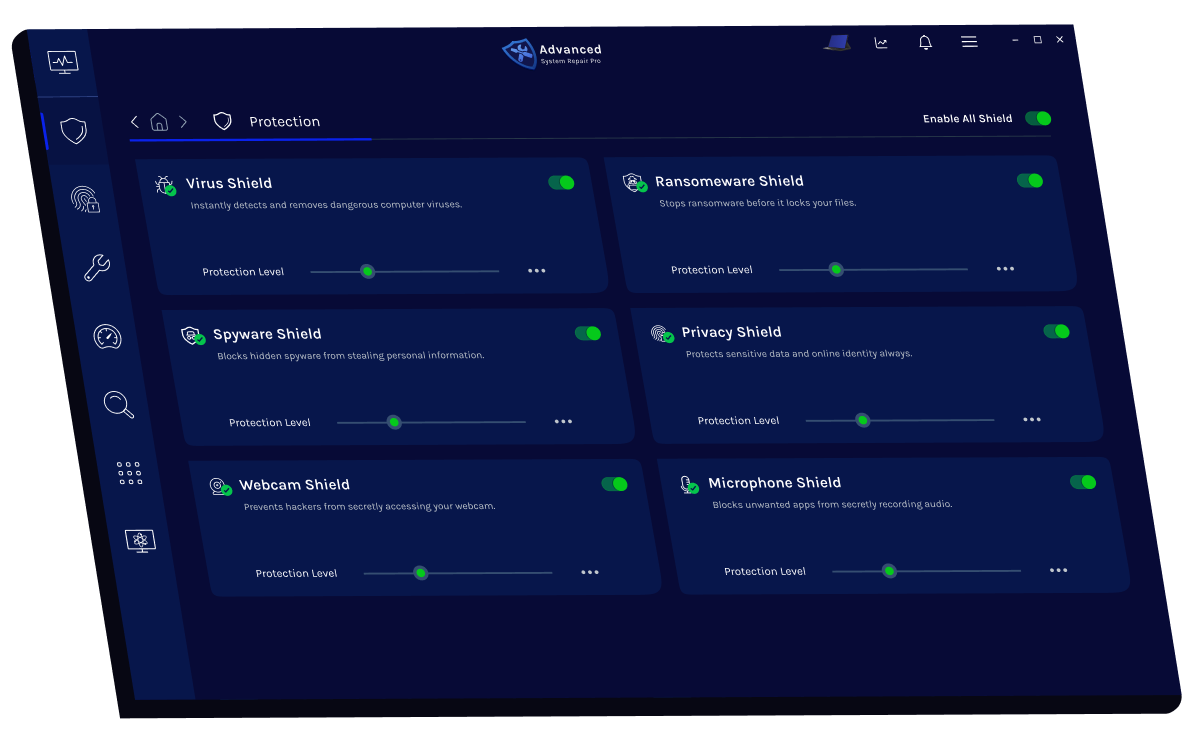
By implementing these optimization strategies regularly, you can keep your computer running smoothly, efficiently, and reliably for years to come. Simple practices like clearing temporary files, updating software, managing startup programs, and performing routine maintenance not only boost speed but also extend the lifespan of your system. Remember, consistent attention to system health prevents small issues from becoming major problems. With a proactive approach, computer optimization becomes a manageable and rewarding habit, ensuring that your device stays fast, secure, and ready for anything you need it to do.
 Like
0
Like
0
 Dislike
0
Dislike
0
 Love
0
Love
0
 Funny
0
Funny
0
 Angry
0
Angry
0
 Sad
0
Sad
0
 Wow
0
Wow
0